


 Track
Track
 Login
Login


Smart Filters for Safer Connections
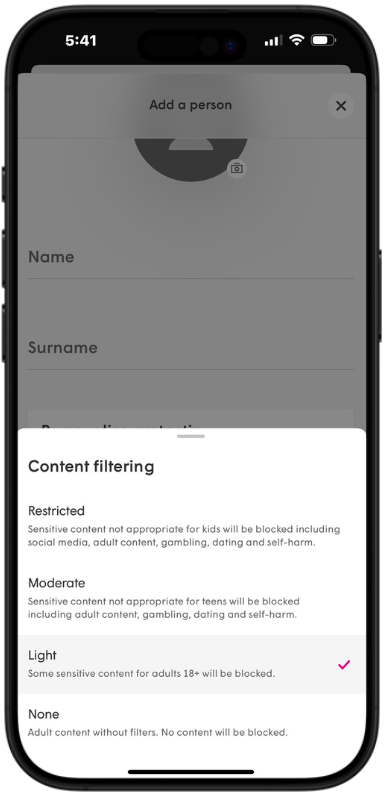
Content Filtering keeps your family safe by blocking harmful sites, so everyone can enjoy the internet worry-free.
Block Threats, Keep Your Network Safe
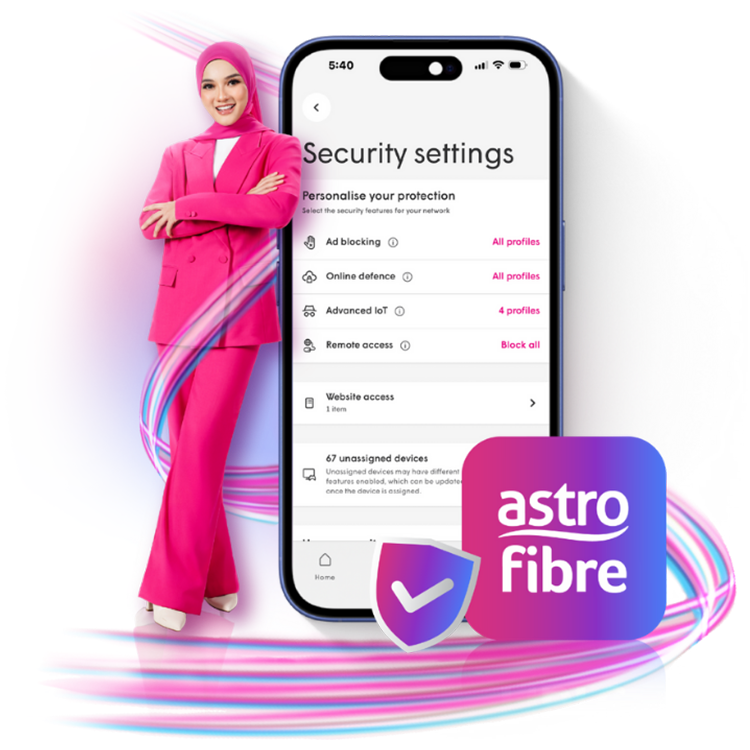
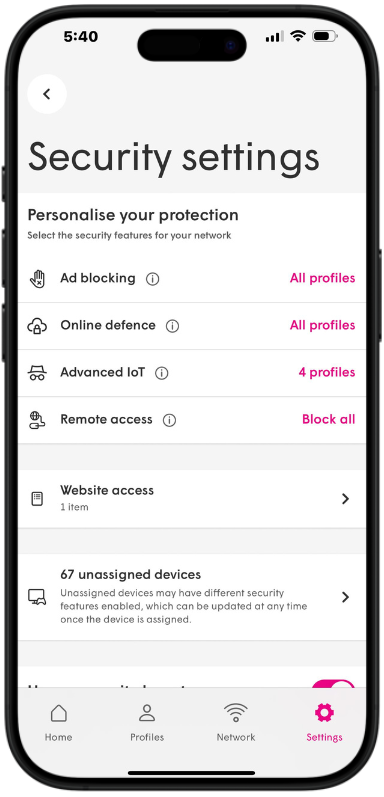
Internet Security blocks phishing, spam, and risky sites to keep your devices and WiFI safe.
Boost Bandwidth When it Matters Most
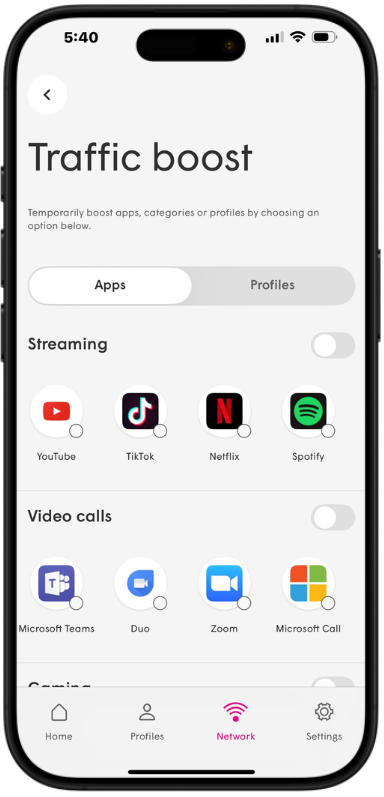
Traffic Boost smartly prioritizes what matters most, keeping your WiFi smooth for calls, streaming, and gaming when multiple deices connected at the same time!.
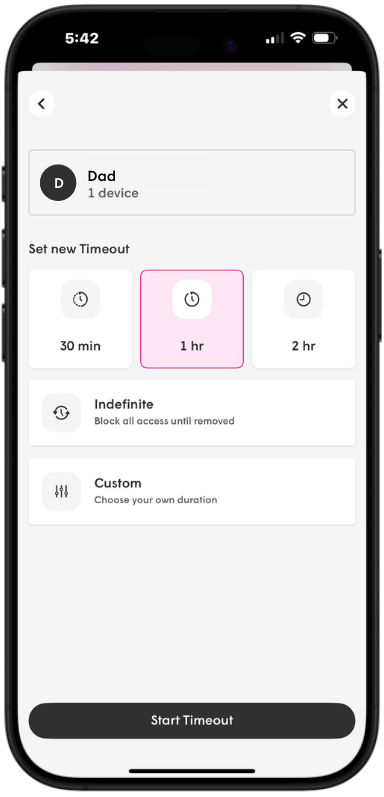
Manage Screen Time with Ease
Schedule timeout for kids or anyone who "forgets" bedtime — and keep online habits balanced.
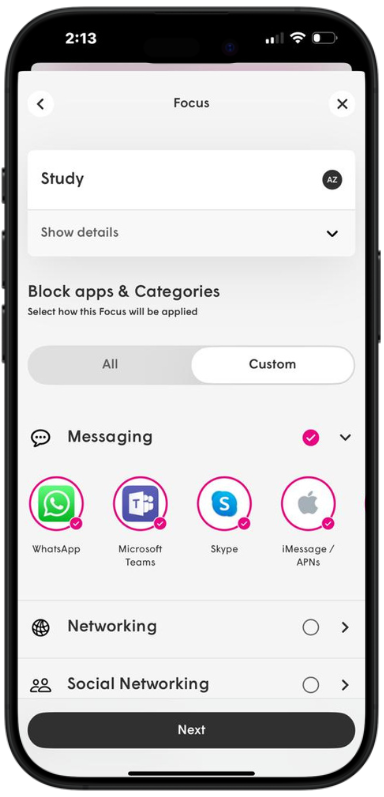
Go Offline and Block Distractions
The Focus feature lets you limit distractions by block applications & categories whenever you need some offline time.
Frequently Asked Questions
The Astro Fibre App is a mobile application exclusively for Astro Fibre customers to allow them to schedule when each user can access the internet, content filtering that blocks harmful sites, Internet Security to protect against phishing and risky links, and Traffic Boost to prioritize calls, streaming, and gaming when it matters most., easy device management, amongst many other features for a better WiFi experience to keep your family safe and secure network. For more information about this app, please visit here.
Only new and existing Astro Fibre customers with the RG21 or RG31 (launching soon) router can use the Astro Fibre App.
Unfortunately, this Astro Fibre App is only supported with RG21 or RG31 (launching soon) router. For any enquiries, please contact our Customer Contact Centre at 03 – 9543 1543 and an Astro agent will be available to assist you immediately.
The Astro Fibre App is supported on all iOS devices version 16 or later and Android devices version 9 or later. To download the app, you may visit your mobile app store and search for “Astro Fibre App”. Alternatively, you may install the app on your mobile device by clicking here (Google Play Store) or here (iOS App Store).
For new Astro Fibre customers with the RG21 router, you will be guided to install the Astro Fibre App on your mobile device during the installation of the service. Alternatively, you may refer to the user guide here for self-installation.