


 Jejak
Jejak
 Log masuk



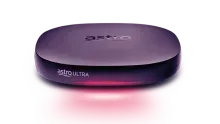
Welcome to your new Ultimate Viewing Experience
Enjoy a wide selection of content from movies, TV series, reality shows, sports and so much more! Terms and conditions apply


Great shows. Just plug in & play!
Enjoy the best entertainment at your fingertips, in the comfort of your home. Click Here to check out our step-by-step augmented reality installation video (you will need to point your phone camera at the card that comes with your Ultra Plug & Play Box)
Watch in your preferred language
Bahasa Malaysia
Chinese
Tamil
Install your box in a few simple steps
Do note that your Ulti Box and Astro SIM Card will be sent to you in two separate deliveries. Please match your SIM Card to the correct Ulti Box by checking your SIM Card Letter for the corresponding Serial Numbers
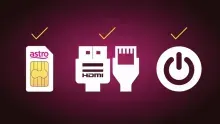
Step 1
Insert Astro SIM card slowly, chip-side facing down. Connect cables (power, HDMI, LAN) and switch on your box
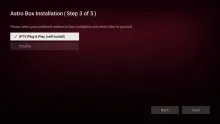
Step 2
Choose your preferred language, resolution (select ‘Auto’) then select ‘IPTV Plug & Play’ (self-install)
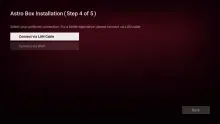
Step 3
Connect to your home internet via LAN cable or Wi-Fi and confirm successful connection. For IPTV customers, click Here
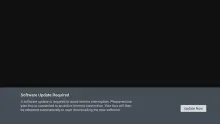
Step 4
Press ‘Update Now’ to download and install the software updates
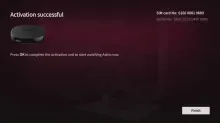
Step 5
Wait for the box activation process to complete and simply press ‘Finish’
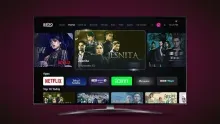
Step 6
Press the ‘Home’ button and enjoy!
Features at a glance
Explore these amazing features. Click to view the complete User Guide and Installation Guide.

Good things come in small packages
Comes with a sleeker design compared to previous boxes that wont take up much space in your household.

Better experience and accessibility
Search, record, play from start & pause live shows, or watch live football with 4K resolution on the big screen!

No more signal issues
Enjoy your TV time during rainy or bad weather days when connected to the internet.

Watch everything to your heart's content
Subscribe and watch what you want with via available apps and On Demand content at your fingertips.
Completed with your box installation?
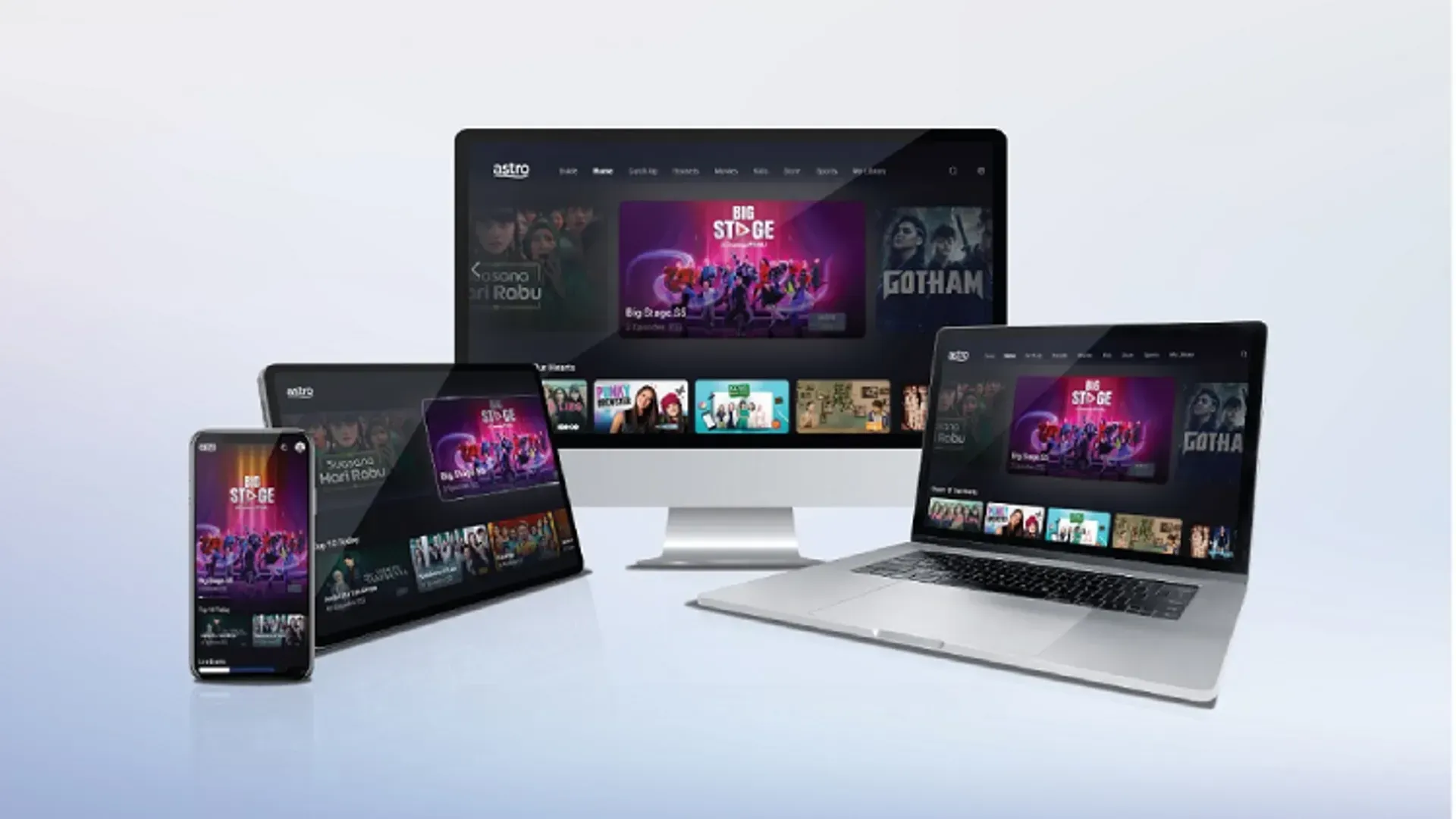
Now it’s time to watch what you love anytime, anywhere, with your Astro GO today!
Astro GO is complimentary for all Astro customers.
Just create and login using your Astro ID to start streaming.
Frequently Asked Questions
Plug & Play Box Astro ialah kotak terkini kami yang membolehkan pengguna menikmati kotak Astro hanya dengan menyambungkannya ke TV dan Internet. Tiada lagi keperluan untuk menjadualkan atau membayar pemasangan. Dengan menyambungkan Plug & Play Box anda ke jalur lebar rumah, anda akan dapat melakukan perkara berikut:
- Tonton saluran anda di Internet. Tiada lagi ganguan siaran semasa hujan!
- Tidak akan terlepas lagi rancangan kegemaran anda kerana anda boleh menstrim acara LANGSUNG dari mula, atau hanya 'pause' dan menyambung semula program yang anda inginkan.
- Akses perpustakaan yang mengandungi lebih 65,000 buah video atas permintaan. Ikuti atau tonton episod penuh bila-bila masa yang anda suka.
- Capai rakaman anda pada bila-bila masa di TV atau aplikasi Astro GO melalui Rakaman Cloud.
Ciri-ciri lain merangkumi 'pause' pada TV dan teruskan tonton pada aplikasi Astro GO, keupayaan carian yang dipertingkat dan banyak lagi.
Anda boleh melaporkan insiden melalui WhatsApp di 03-9543 3838 dengan menaip PNP dan akses panduan pengguna atau meminta bantuan lanjut daripada ejen berdedikasi kami. Sila sediakan nombor pengesanan Airway Bill anda untuk pengesahan. Jika kotak penggantian/kad SIM Astro dianggap perlu, kotak baharu dan kad SIM Astro yang baharu akan dihantar melalui kurier ke alamat perkhidmatan anda.
Untuk sebarang isu teknikal, anda boleh melayari halaman Bantuan & Sokongan Astro, kemudian skrol ke bahagian 2. Technical Troubleshooting - Ultra Box / Ulti Box
ATAU
Hantar Hi ke WhatsApp kami di 03-9543 3838, kemudian pilih Help & Support untuk bantuan.
Ultra Plug & Play Box hadir dengan waranti perkakasan kotak selama satu tahun.
Untuk pemasangan kendiri, terdapat meterai jaminan di bahagian bawah Ultra Plug & Play Box, yang tidak boleh ditanggalkan atau diubah kerana ini akan membatalkan jaminan perkakasan Ultra Box selama satu tahun.