


 Track
Track
 Login
Login


How to make a purchase on Astro GO?
Purchase function on Astro GO is only available for Android devices, Huawei devices and on the Astro GO website.
For Apple device users, please head to astrogo.astro.com.my to make your purchase or you can download the My Astro app to manage all your purchases including Astro First movies.
Purchase instruction:
Head to the Store section

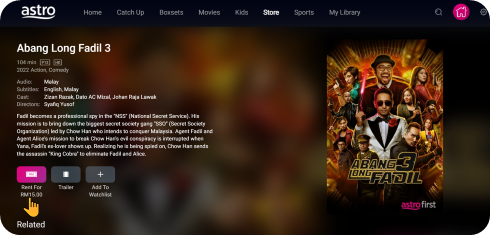
Click on RENT
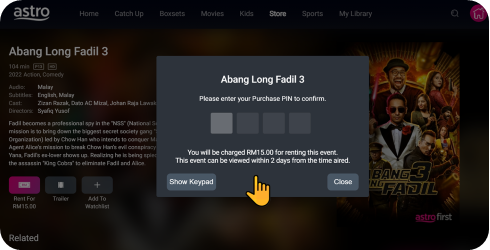
Enter Your PIN (Default PIN 0000)
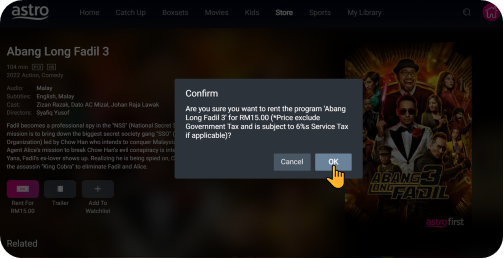
Confirm to Purchase
Purchased Success. Enjoy!
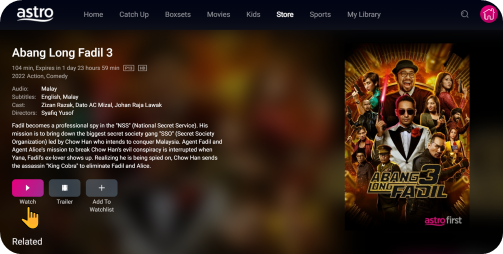
You purchased content title will be available under "Rental" in My Library. All purchases on Astro GO will be added to your monthly bill and accessible on both Astro GO and your Astro decoder. Cancellation of purchase is not possible upon confirmation.
*Purchase of content is only available on Android & Huawei devices and on the Astro GO website*
Similar Articles

