


 Track
Track
 Login
Login

Netflix
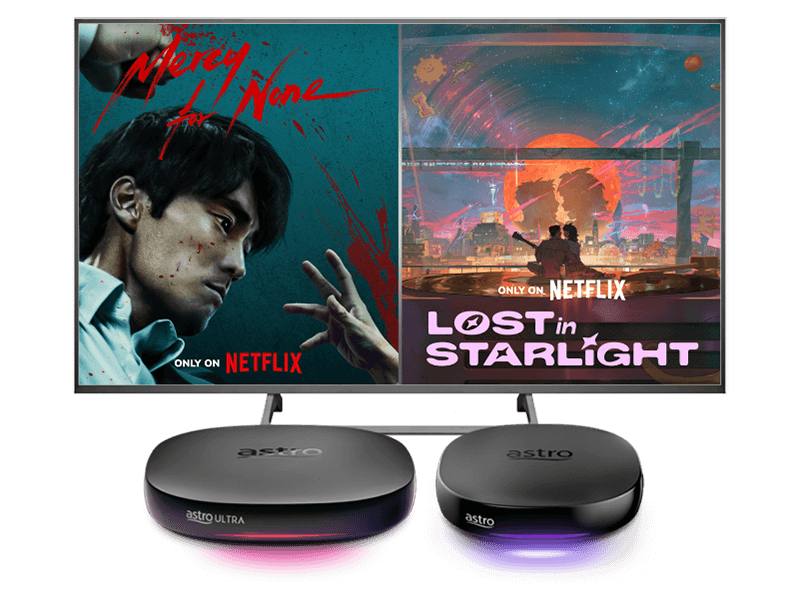
Stream the best in entertainment with Astro






Watch Netflix on Astro


Step 2
Login with your Netflix account and link with your Astro subscription

Step 3
Yay! You can start streaming now
Add-ons for existing customer
Add Netflix to upgrade your existing TV plan. Cancel your add-on anytime.
New to Astro? Find your bundles here
Get stable endless entertainment with Netflix app added on for more variety. Cancel your add-on anytime.
Best of entertainment
Entertainment + Netflix Basic
RM74.90
/mth







Best of live sports
Sports + Netflix Basic
RM94.90
/mth








The ALL-in-ONE
Epic
RM159.99
/mth




Astro One


Astro One: Entertainment Pack
RM74.90
/mth
Explore Packs
Astro GO

Base


Astro One: Sports Pack
RM94.90
/mth
Explore Packs
Sun NXT Lite

beIN SPORTS CONNECT
Astro GO

Sports

Sports Extra
Base


Astro One: Epic Pack
RM159.99
/mth
Explore Packs
Netflix Standard

Disney+ Basic
Prime Video

iQIYI Standard VIP
Sun NXT Lite

BBC Player
beIN SPORTS CONNECT
Astro GO+

Variety
Sports

Kids

News & Documentaries

Blockbuster
Sports Extra
Base

Smart TV app
Frequently asked questions
You can recover your Prime Video subscription here. Below are the steps.
Step 1: Visit the Recovery Page
Go to: https://product.astro.com.my/apps/primevideo#recovery
Step 2: Log In to Your Astro Account
If prompted, sign in with your Astro ID. If you're already logged in, proceed to the next step.
Step 3: Click “Proceed”
This will initiate the recovery process.
Step 4: View Your Sign-In Hint
A hint for your Prime Video login email/mobile number will be displayed. Use this hint to help you log in to your Prime Video account.
You should have received an email or SMS with your activation details, please click on the link provided to be redirected to the Netflix website to activate your account.
Alternatively, you can also activate Netflix on your Ultra/Ulti Box. Please surf to CH 741 on your Ultra/Ulti Box (or click the Netflix button on your Astro remote) and follow the instructions on the screen.
You may retain your watch history and settings of your existing Netflix account by using the same email of your Netflix account during the linking of your Netflix account with Astro.
There are a few ways you can access Netflix on the Ultra Box as below:
- Access Netflix on the Ultra/Ulti Box via the Home Screen and select the Netflix app from the Apps row.
- Launch the Netflix app directly from their remote control by clicking on the “Netflix” button if it’s available on your remote control.
- Tune into CH 741
IMPORTANT! If you are accessing Netflix on your Ultra/Ulti Box for the first time, please wait for the Netflix activation email from Astro (this may take up to 10 minutes) for the app to be reflected in your account. If you skip this 10-minute period, you may experience double charging by incorrectly signing up for Netflix using your credit card details.