


 Track
Track
 Login
Login


How to buy Astro First movies on My Astro
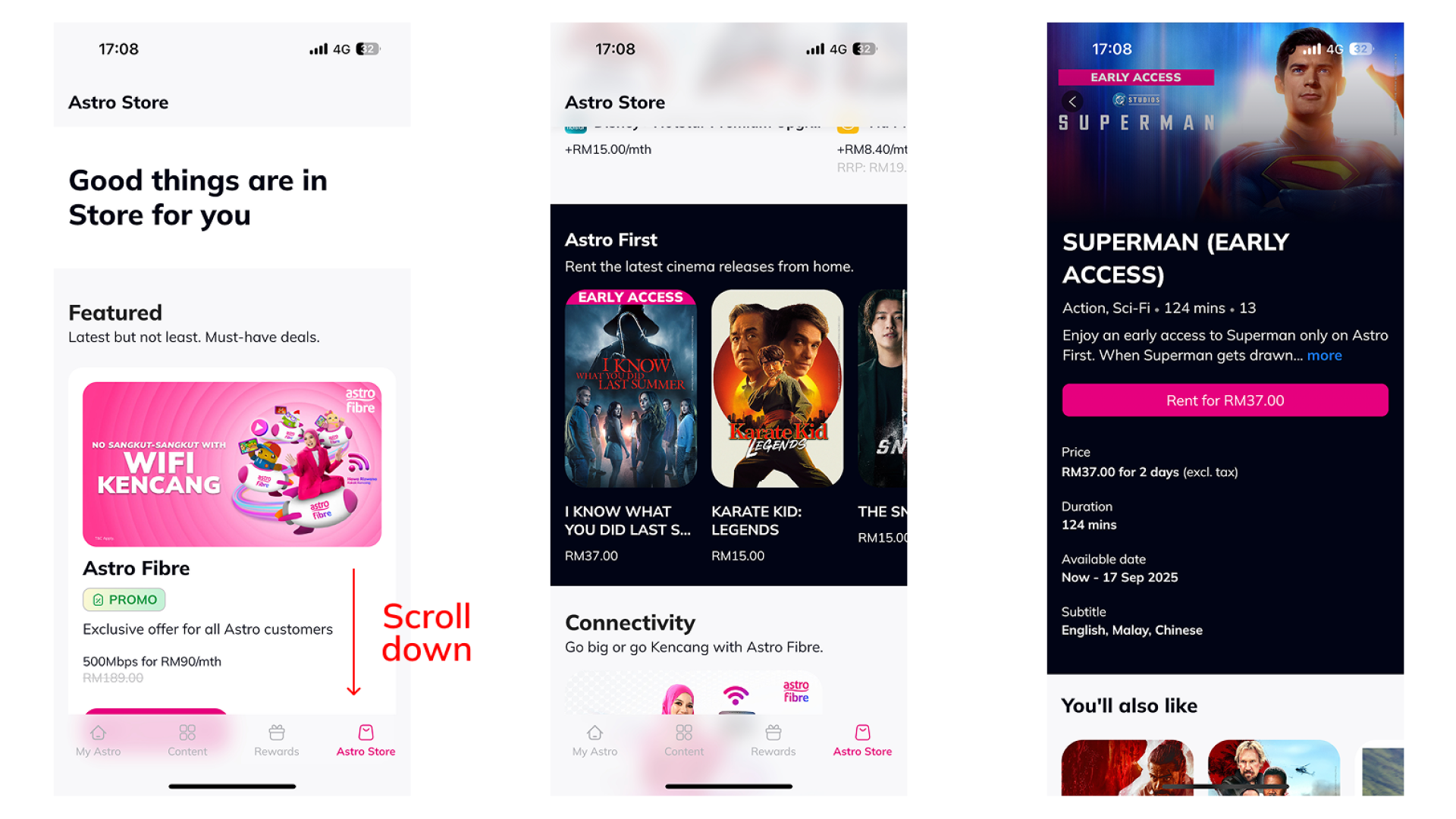
Here's how you can purchase Astro First movies on My Astro:
- Open/Download the My Astro app or visit My Astro web
- Login with your Astro ID
- Go to Astro Store
- Select the Astro First title
- Tap on 'Rent'
- Confirm the rental
- You will see a rental success message on which channel you can watch the movie and when it will expire
🎁 Want to buy Astro First movies faster & track your rentals?
📱 Download the My Astro app to:
- Browse Astro First titles
- Rent in 1 tap
- Get reminders when new movies launch
Similar Articles

