


 Track
Track
 Login
Login


Remove Payment Card
1. Open/Download the My Astro app or visit My Astro web.
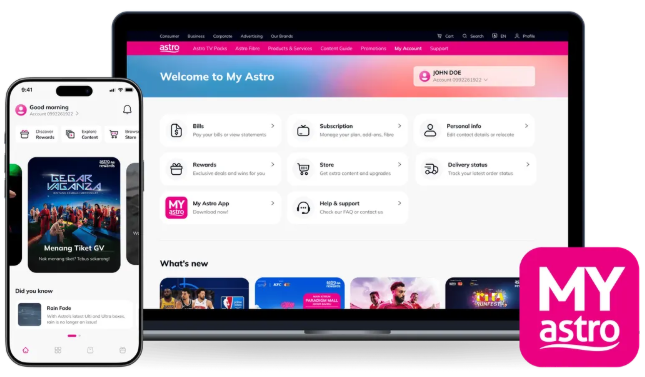
2. Login with your Astro ID.
3. Go to Account.

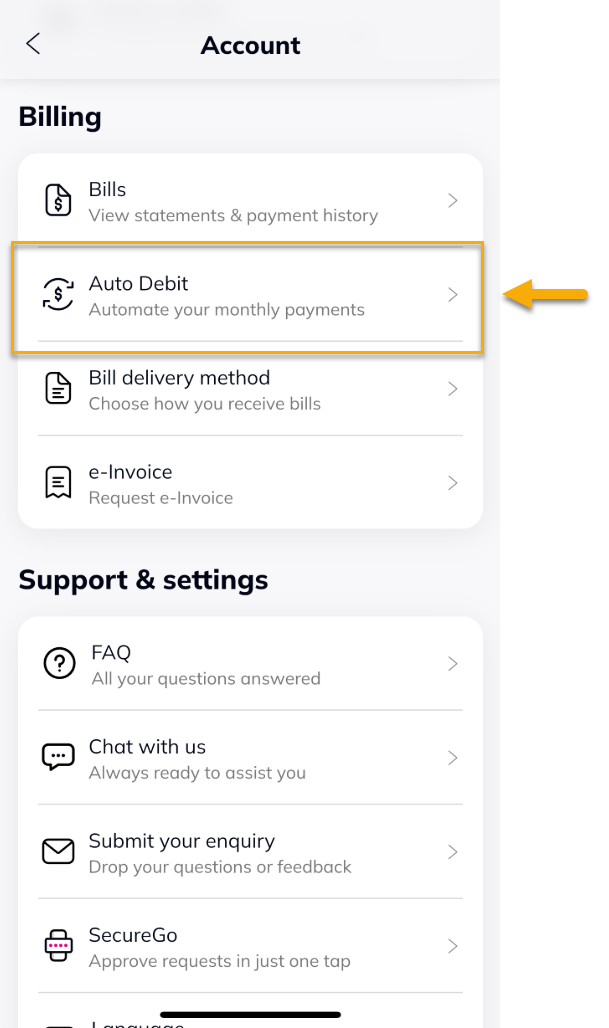
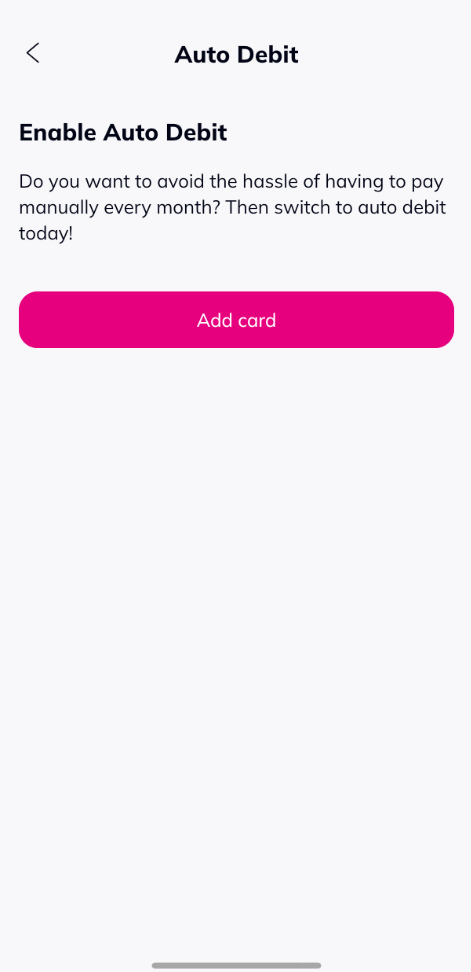
4. Under Billing, tap on Auto Debit.
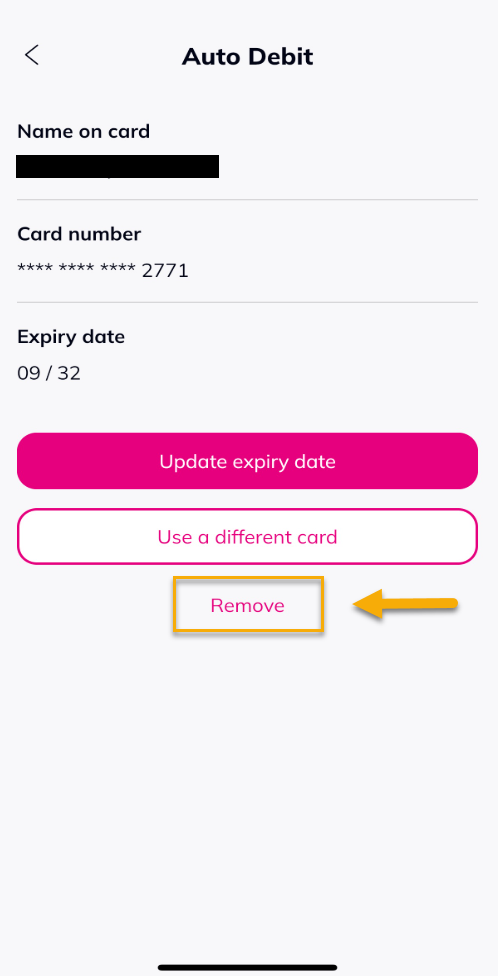
5. Tap on 'Remove'.
6. Tap on 'Confirm' to remove the card.
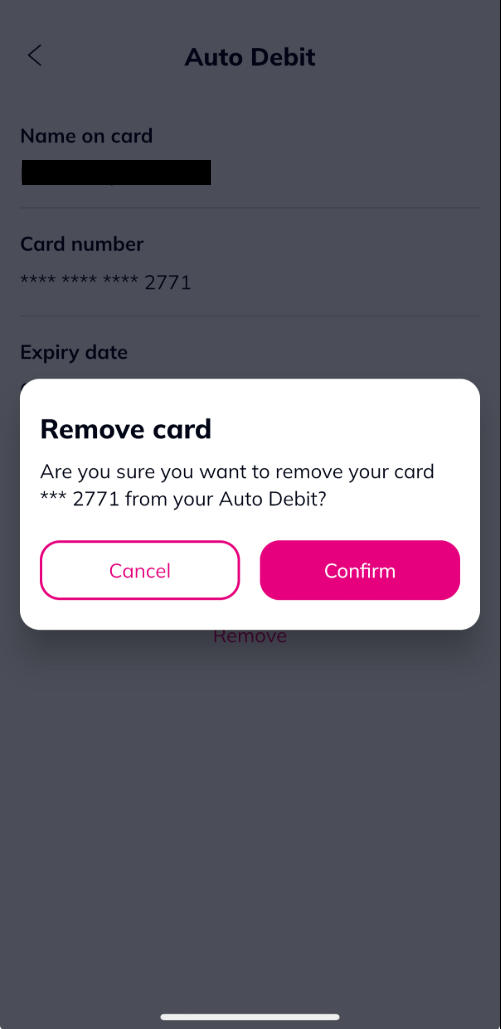
7. Your registered card removed .
Similar Articles

