


 Track
Track
 Login
Login


Request for Relocation
1. Open/Download the My Astro app or visit My Astro web.
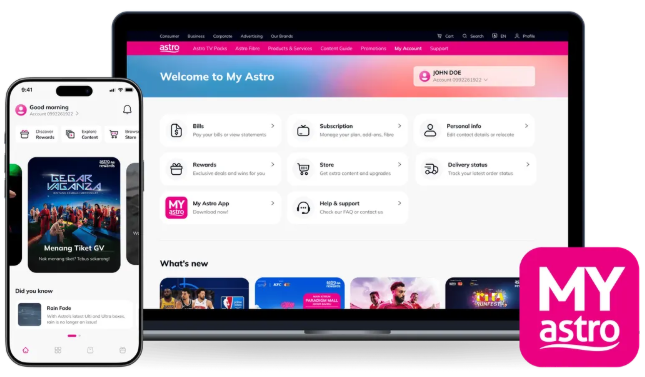
2. Login with your Astro ID.
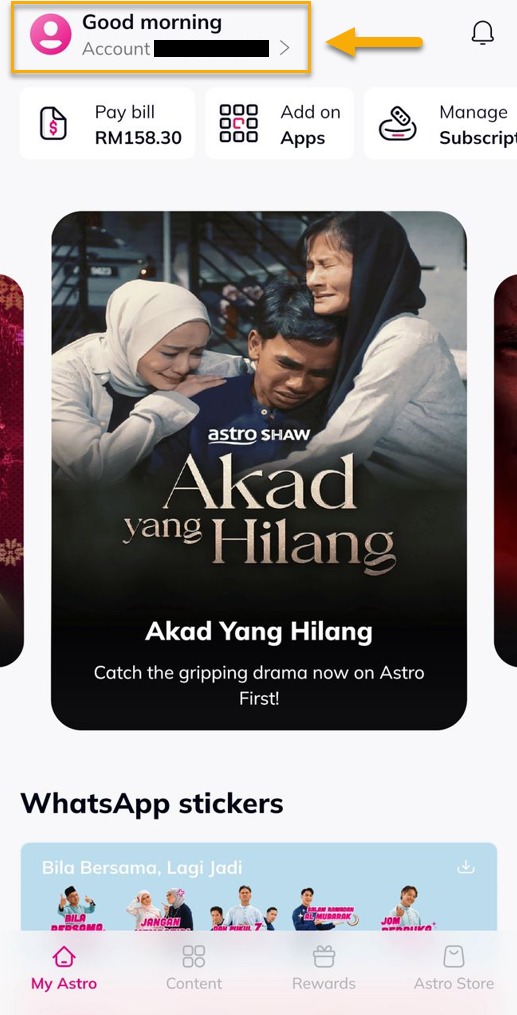
3. Go to Account.
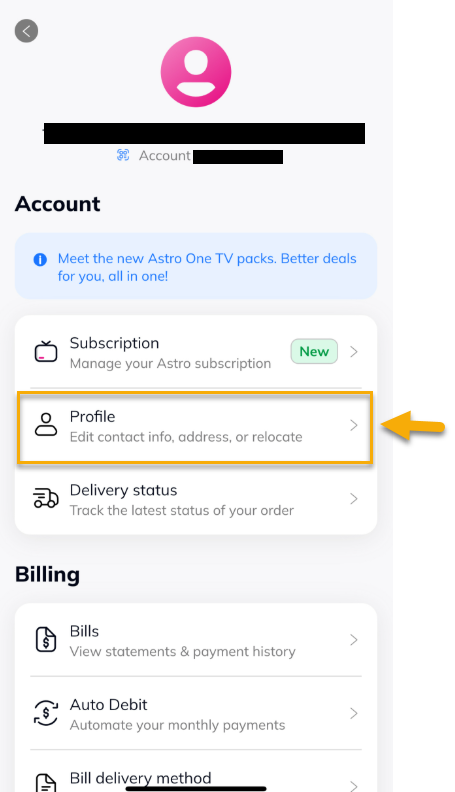
4. Select 'Profile'.
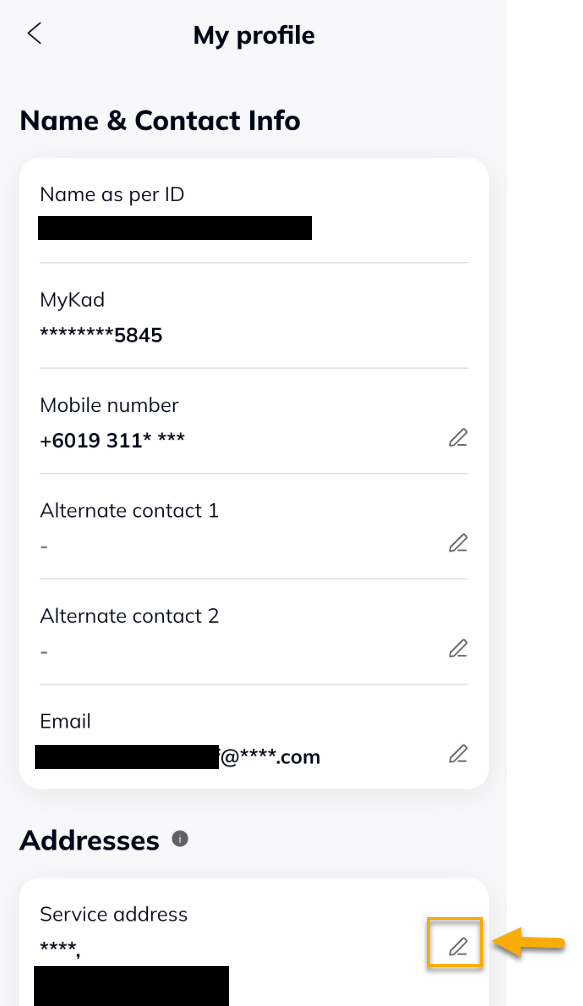
5. Under Addresses, tap on the edit icon.
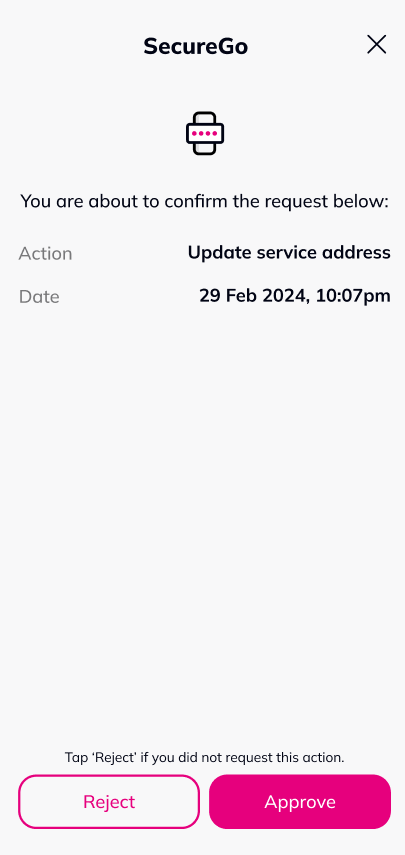
6. Select 'Approve' to update service address.
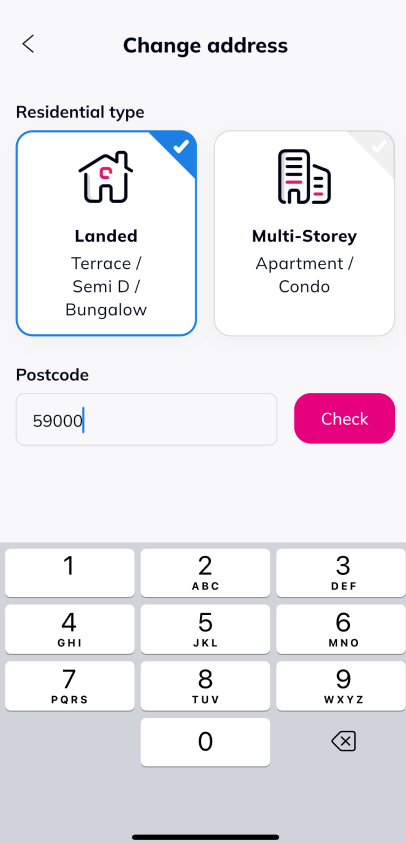
7. Select the Residential type and key-in the postcode, Tap 'Check'.
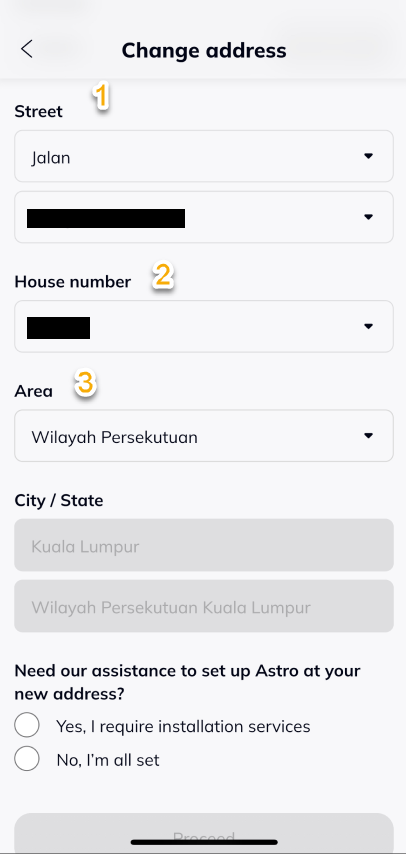
8. Key-in the Street, House number and Area.
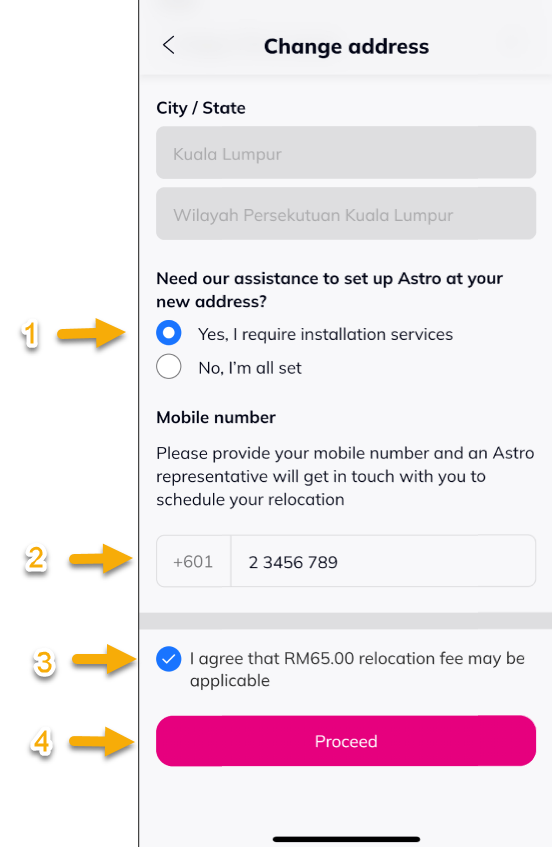
9. Proceed wil below:
- Select 'Yes, I require installation services'.
- Key-in your mobile number.
- Choose 'I agree that relocation fee may be applicable'.
- Tap 'Proceed'.
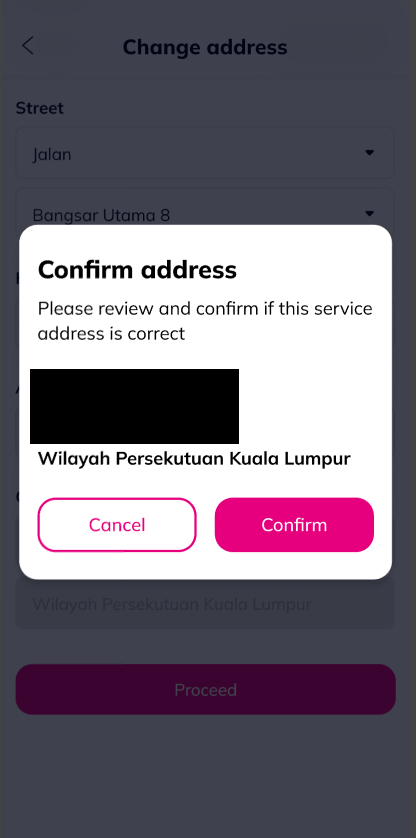
10. Tap 'Confirm'.
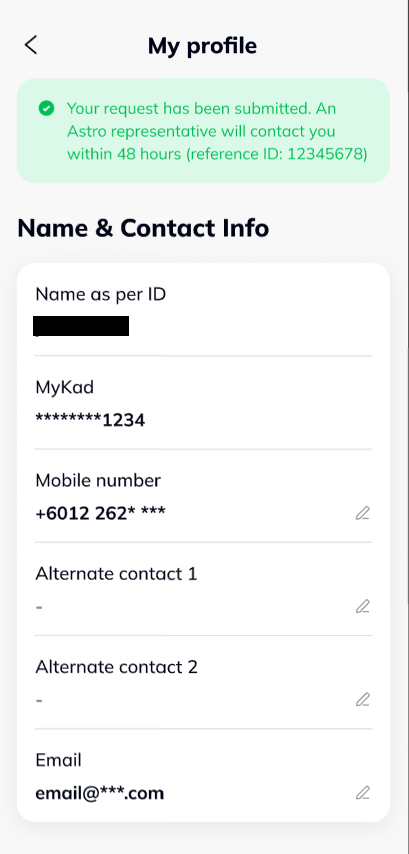
11. A notification will be displayed after ticket created.
Similar Articles

