


 Track
Track
 Login
Login


Refresh signal of your box - HD enabled Box
Please ensure to put your box on standby mode to refresh the signal.
a. Using MyAstro web
STEP 1
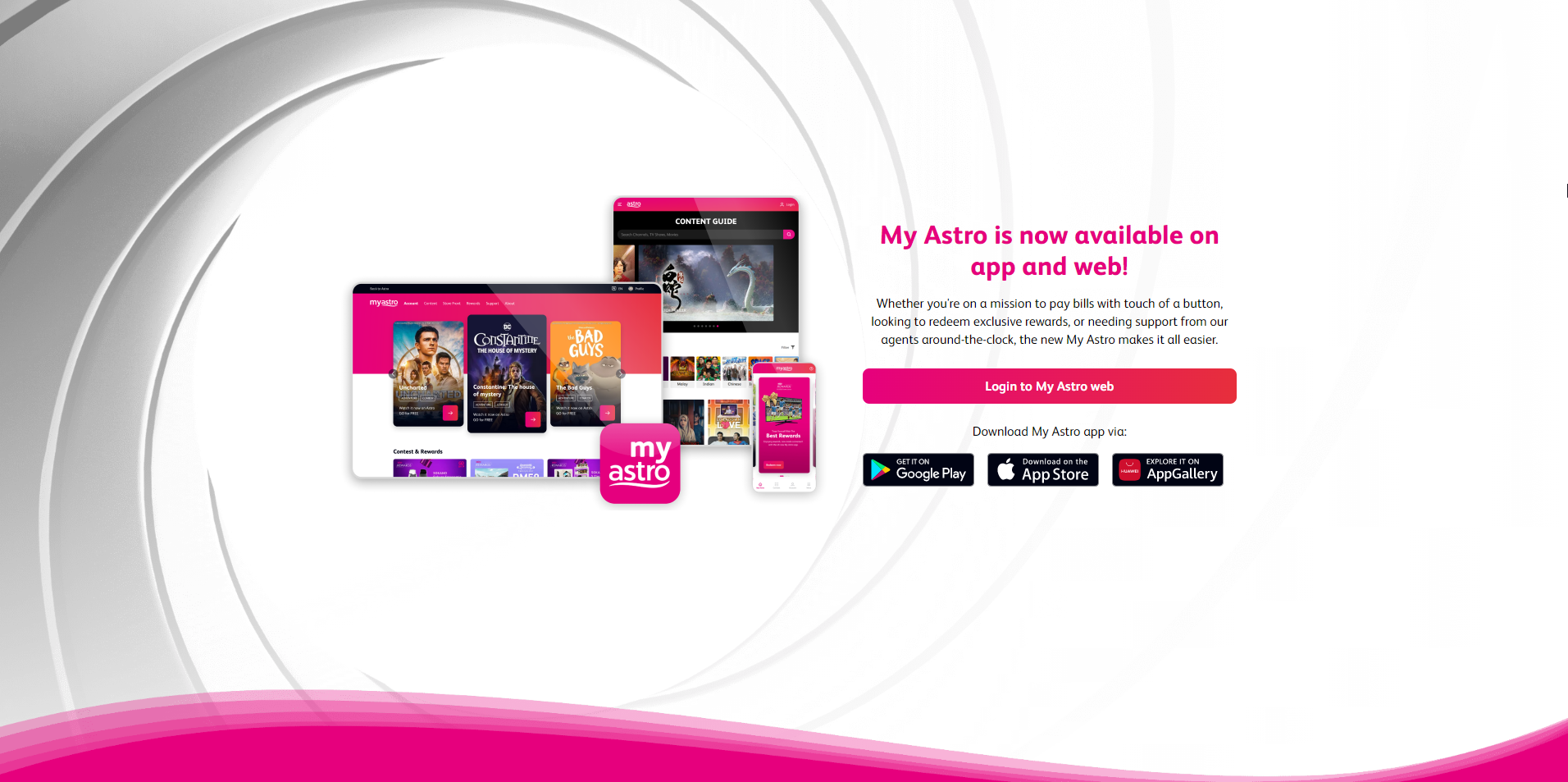
Go to https://myastro.astro.com.my/ in your web browser.
STEP 2
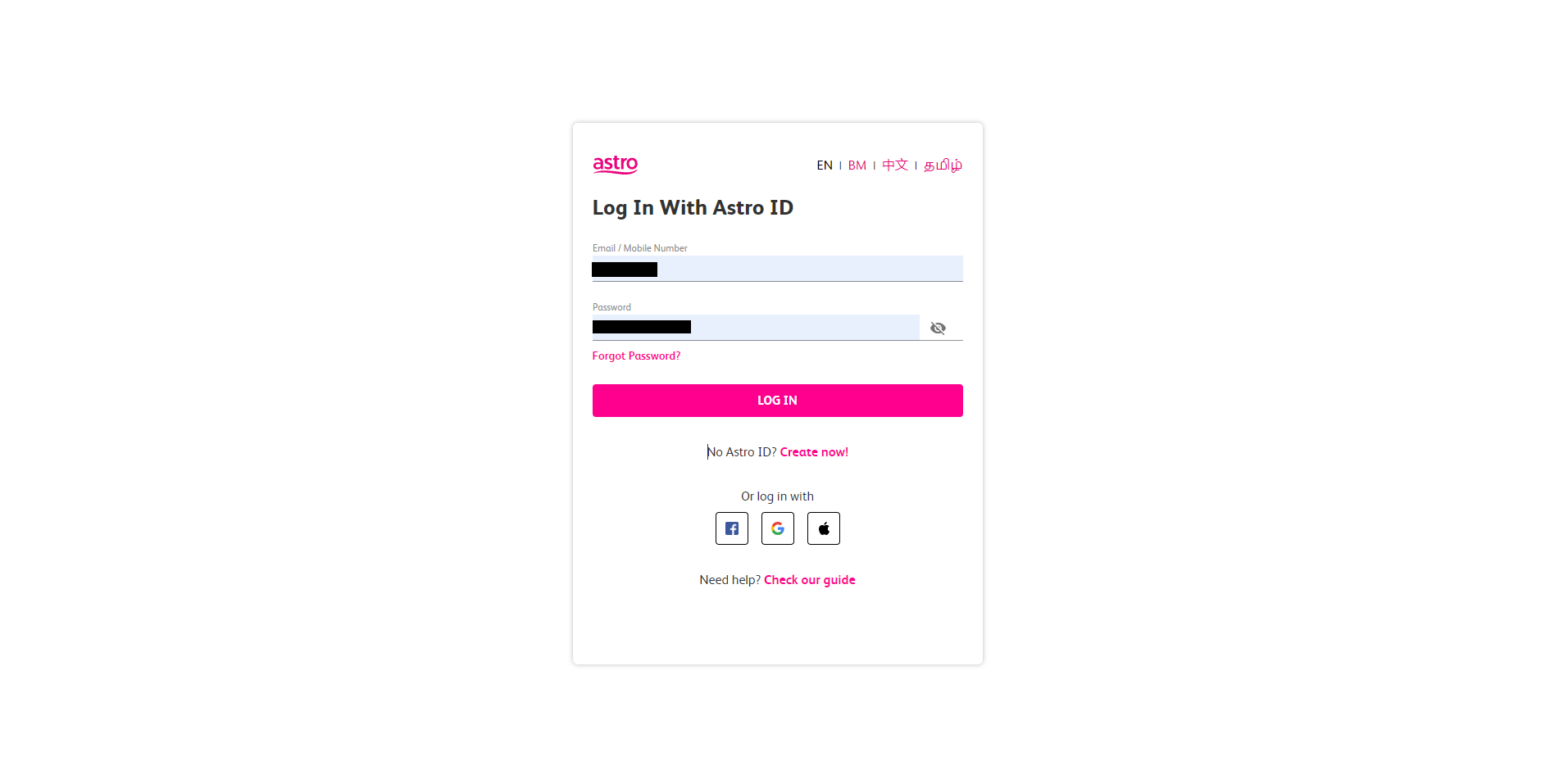
Key-in your Email / Mobile number and password. Then, press LOG IN.
STEP 3
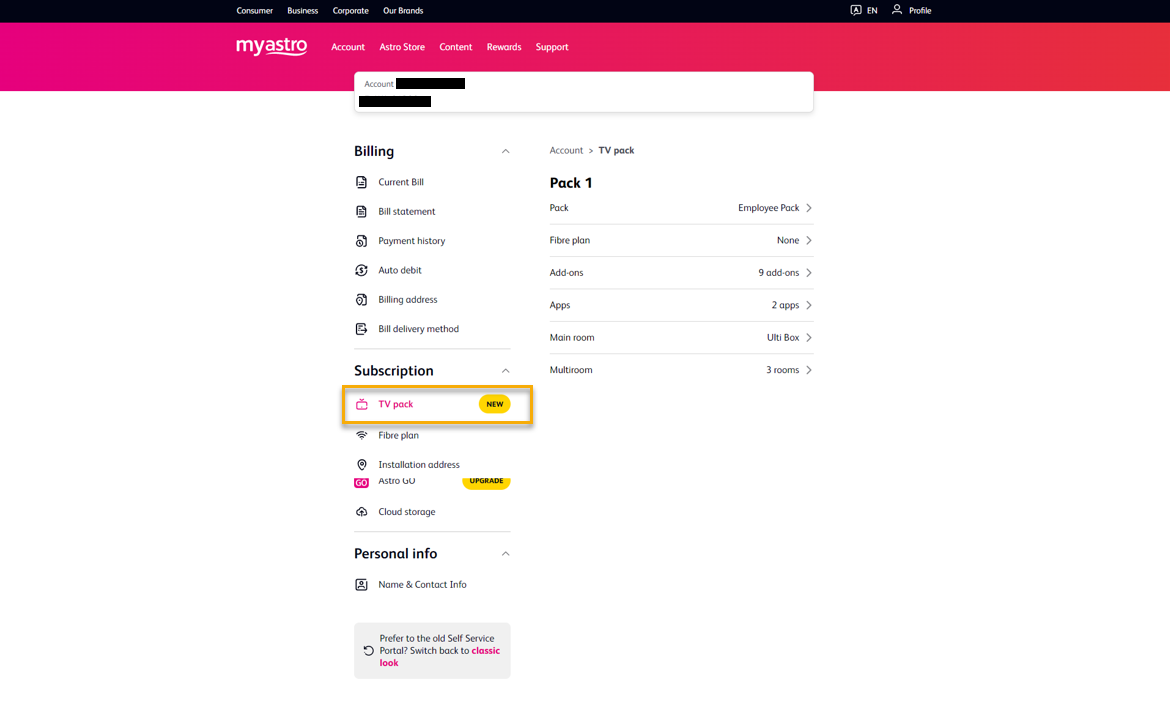
Click on TV pack.
STEP 4
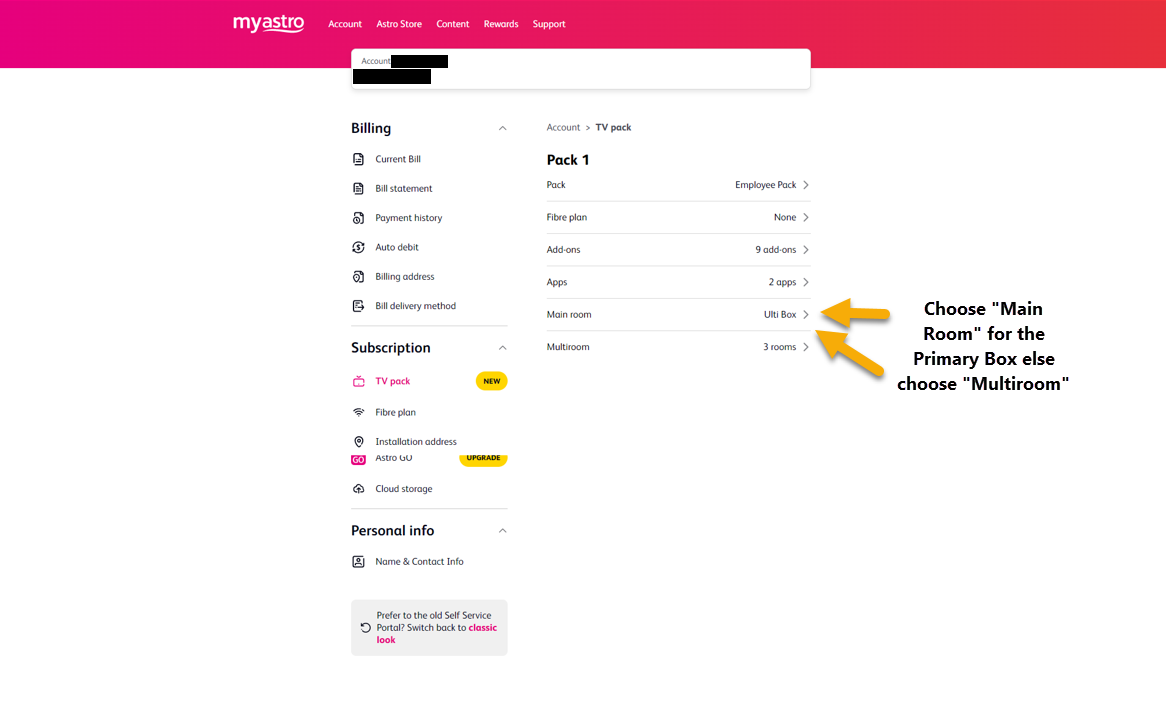
Choose Main Room for the Primary Box; else choose Multiroom (If any).
STEP 5
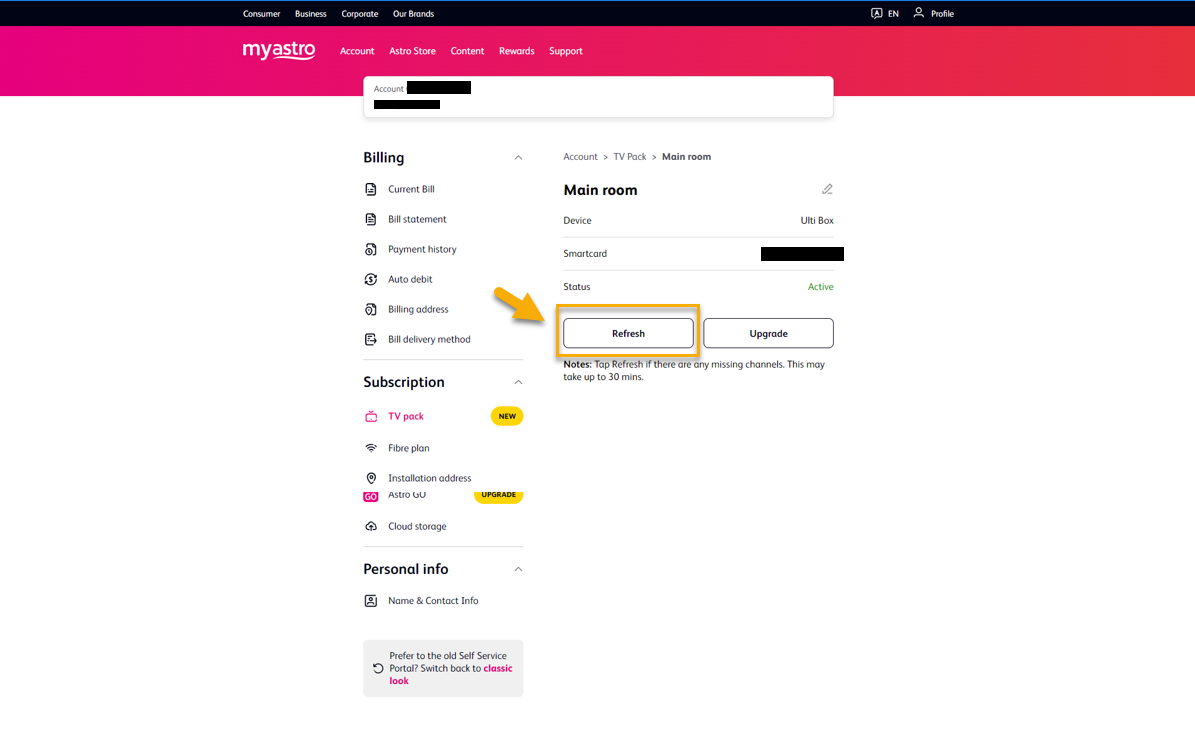
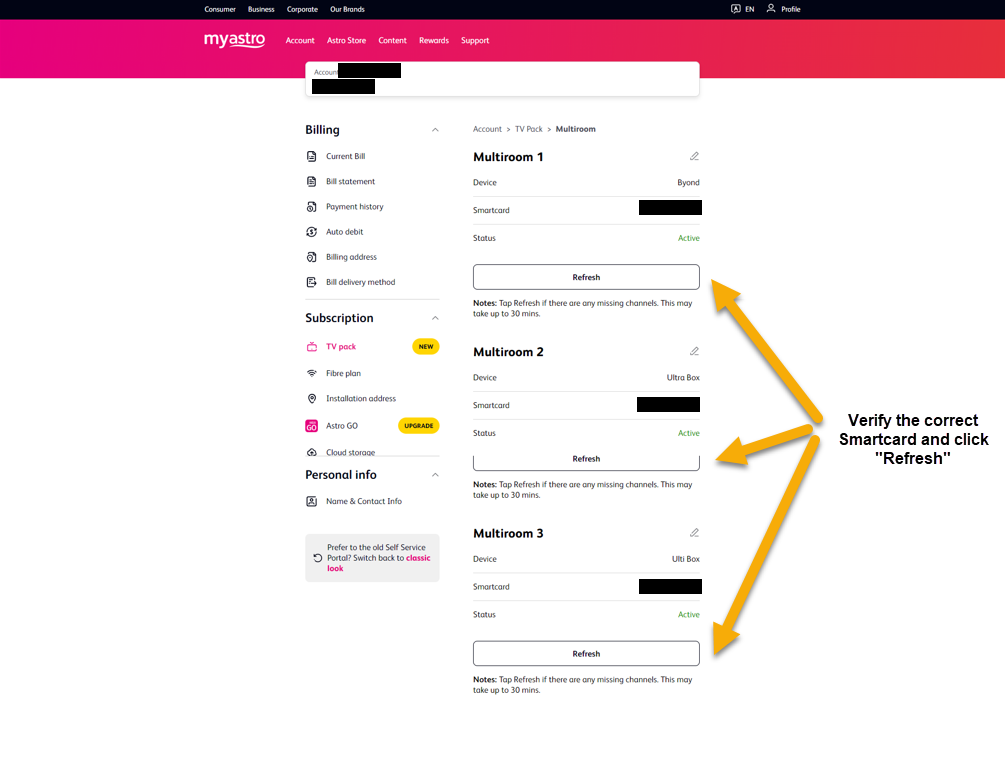
Click on "Refresh" to refresh signal on your box.
For Main Box
For Multiroom
STEP 6
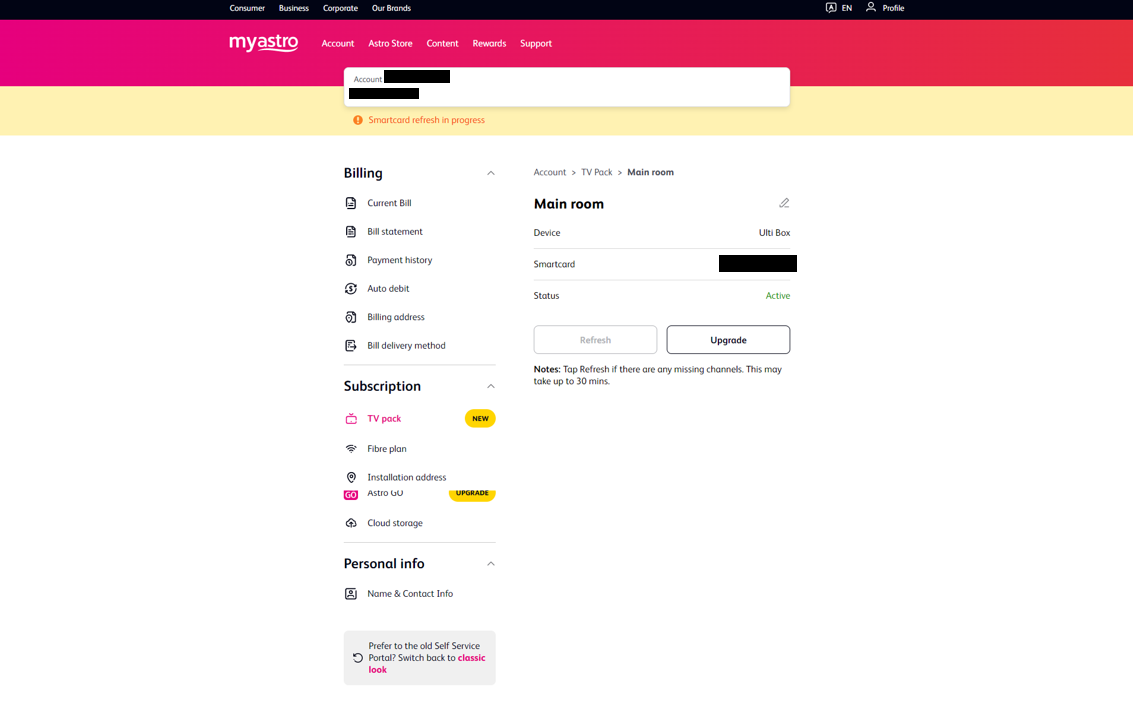
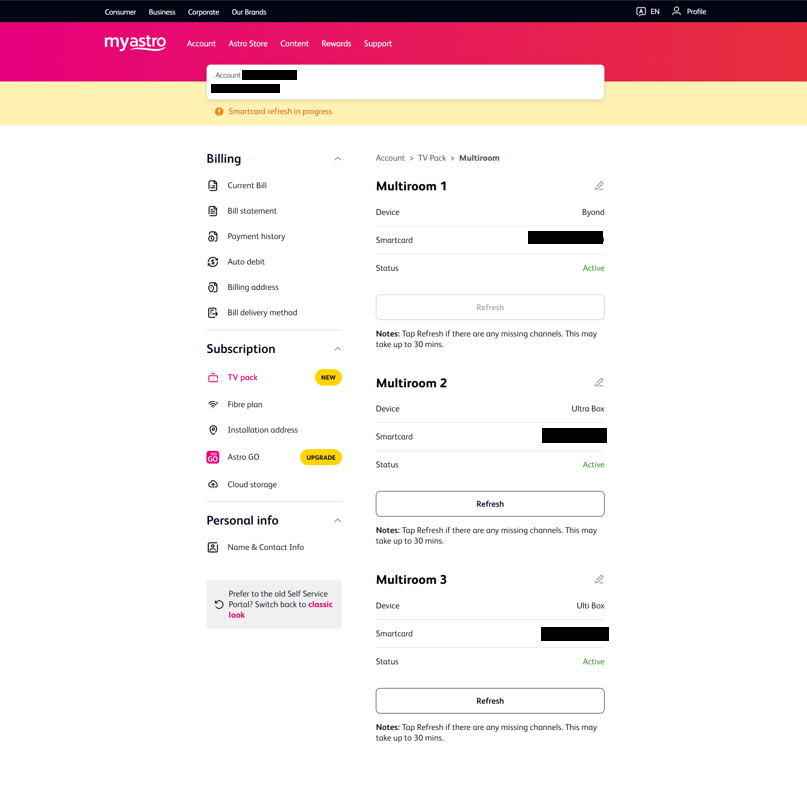
After tap the Refresh, below notification will be displayed as below.
For Main Box
For Multiroom
b. Using MyAstro App
STEP 1
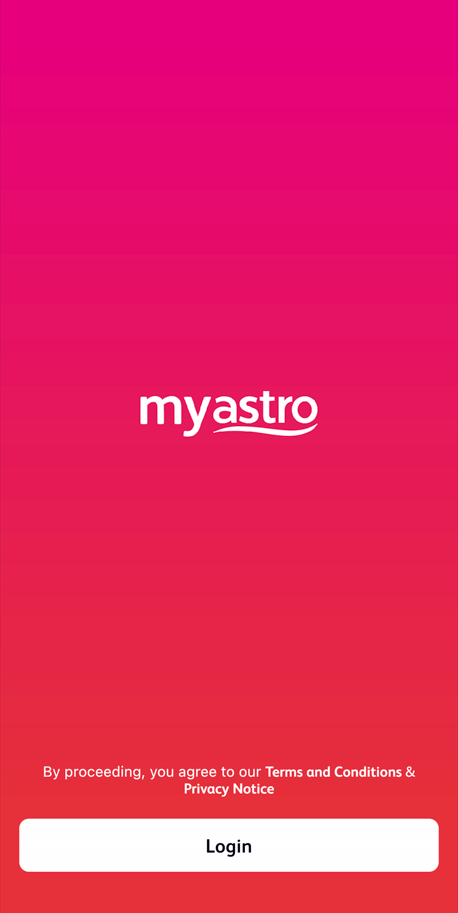
Open myAstro App and click "Login".
STEP 2
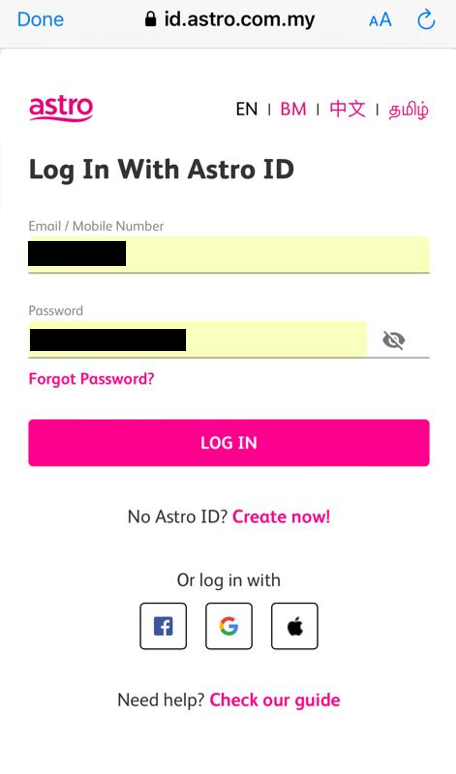
Key-in your Email / Mobile number and password. Then, press "LOG IN".
STEP 3
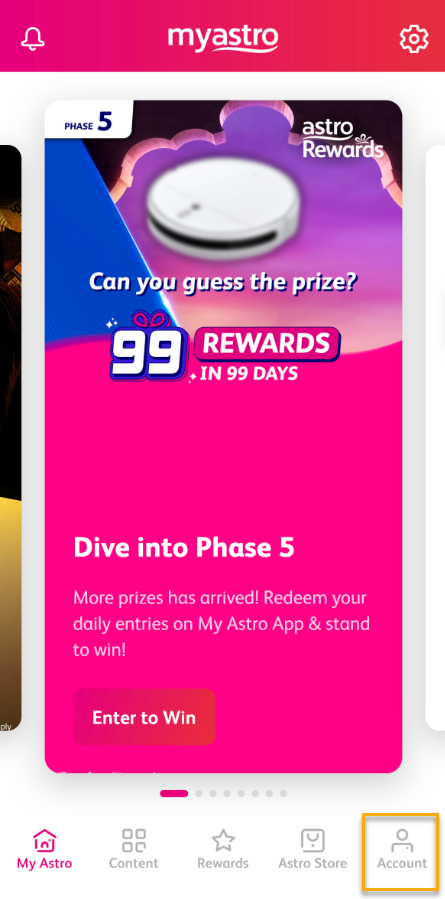
Go to "Account".
STEP 4
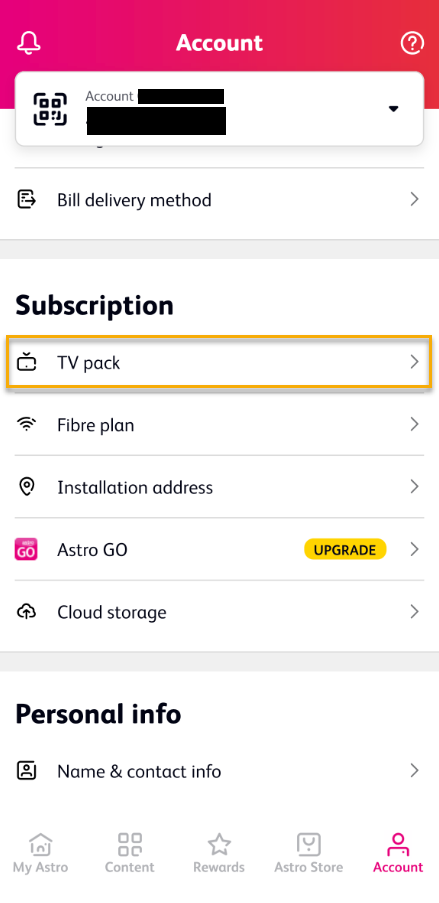
Scroll down to "TV pack" and click on it.
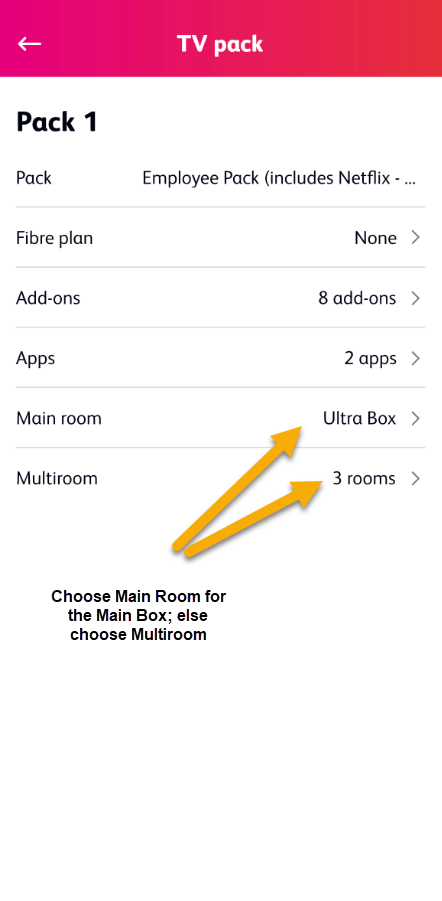
STEP 5
Choose Main Room for the Main Box; else choose Multiroom (If any).
STEP 6
Tap on "Refresh" to refresh signal on your box.
For Main Box
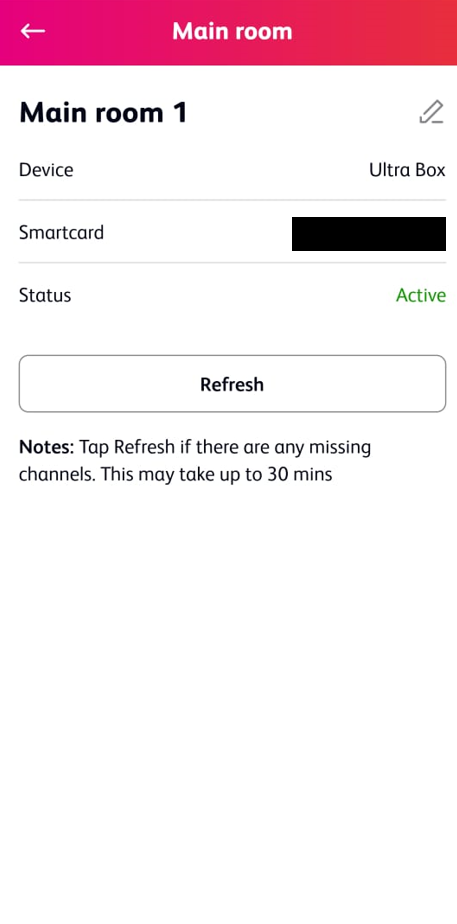
For Multiroom

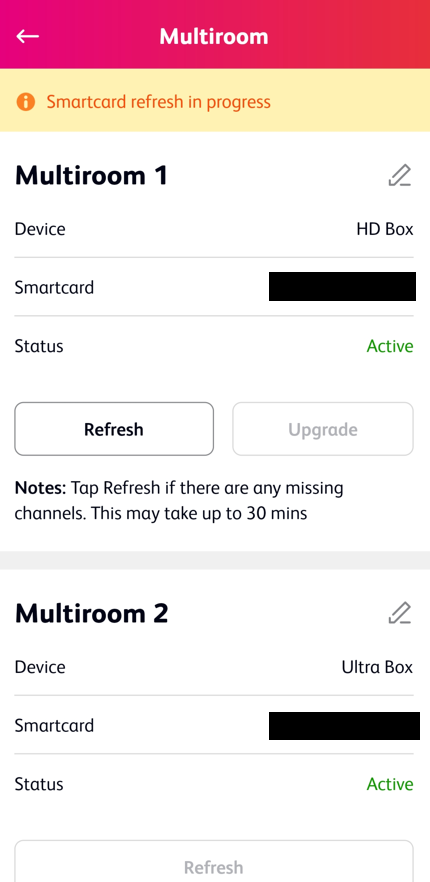
STEP 7
After tap the Refresh, below notification will be displayed as below.
For Main Room

For Multiroom
c. Using WhatsApp
1. Message 'Hi' to us at 03-9543 3838
2. Click on Tap Here for Options
3. Select Help & Support
4. Type Refresh HD Enabled Box Signal
Similar Articles

