Track
Track
 Login
Login


Astro Fibre - Skyworth RG21
Watch this video or follow below steps to fix your WiFi connectivity issue
Tak dapat connect WiFi atau internet langsung? Takpe, Brader Astro boleh bantu.
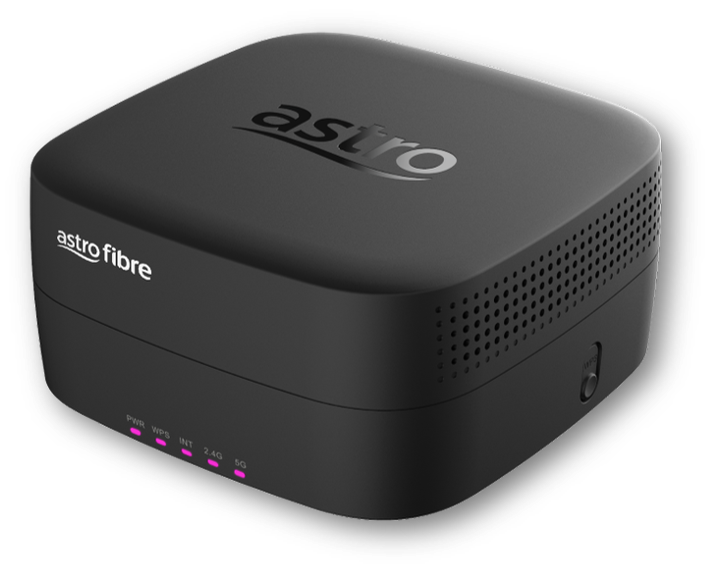
Skyworth RG21
- Please connect your computer or laptop to your Astro Fibre router using WiFi or LAN cable. Your LAN cable must be connected from the yellow port of Astro Fibre router (Any available port).
- Once connected, open any web browser such as Google Chrome, Internet Explorer, Mozilla Firefox and etc.
- On the address bar, type http://192.168.100.254 and below page will appear.
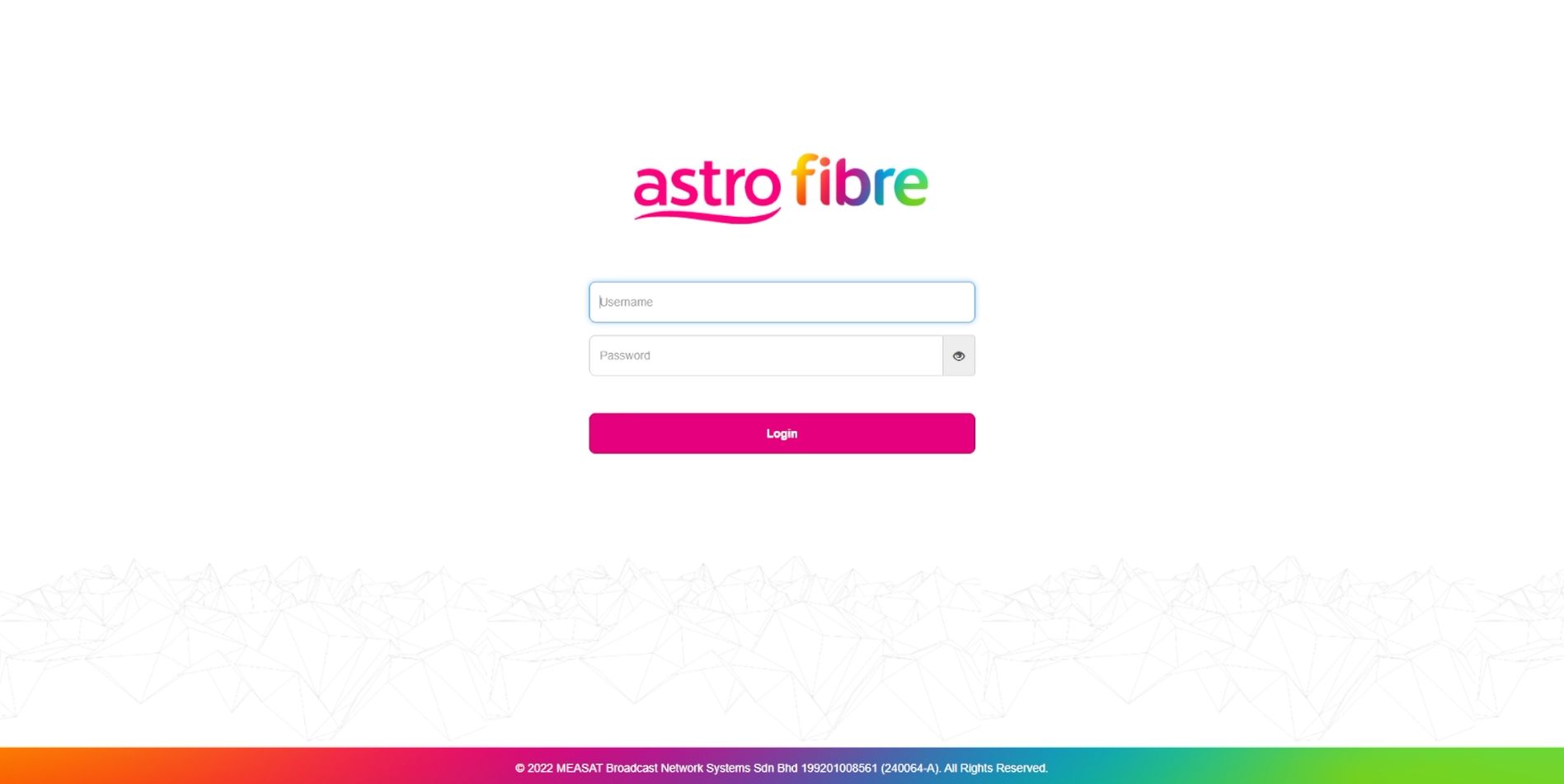
Login using your username and password if you have changed the router login setting. Otherwise, your default router login is as per below.
Username: user
Password: user
4. Once you have successfully logged in, the router's web-based setup page will appear.
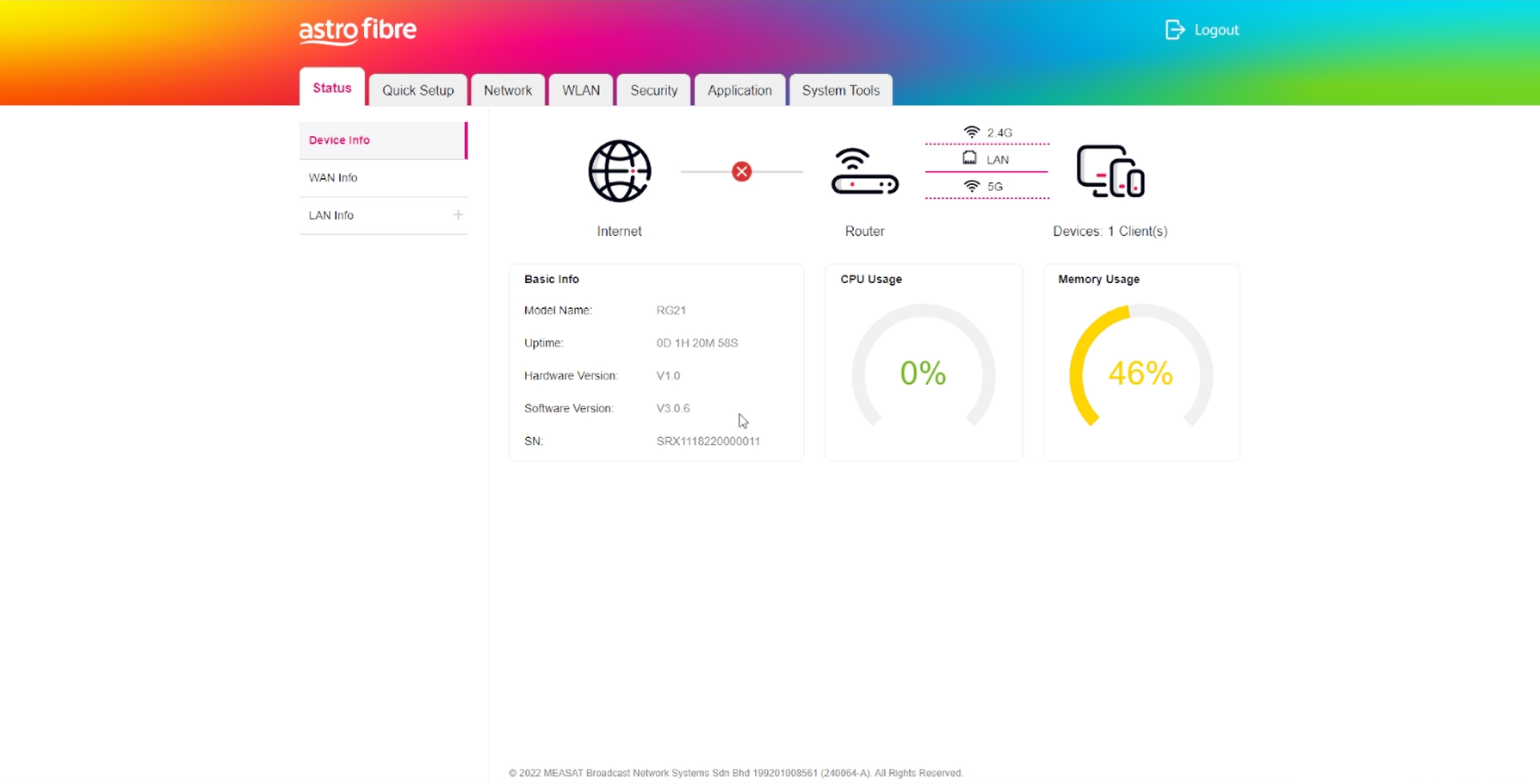
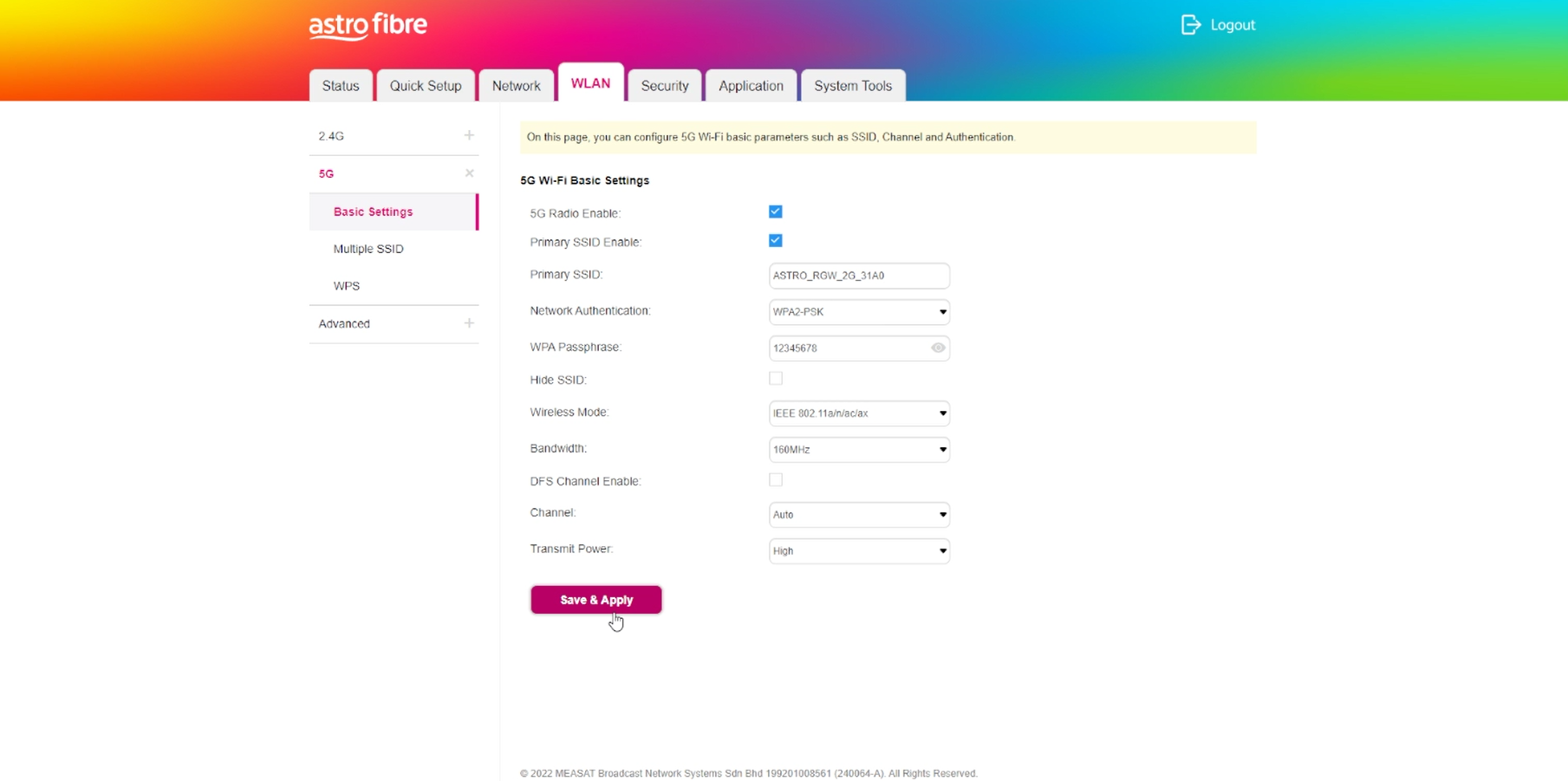
5. At the top of the page, click WLAN to configure the WiFi parameters.
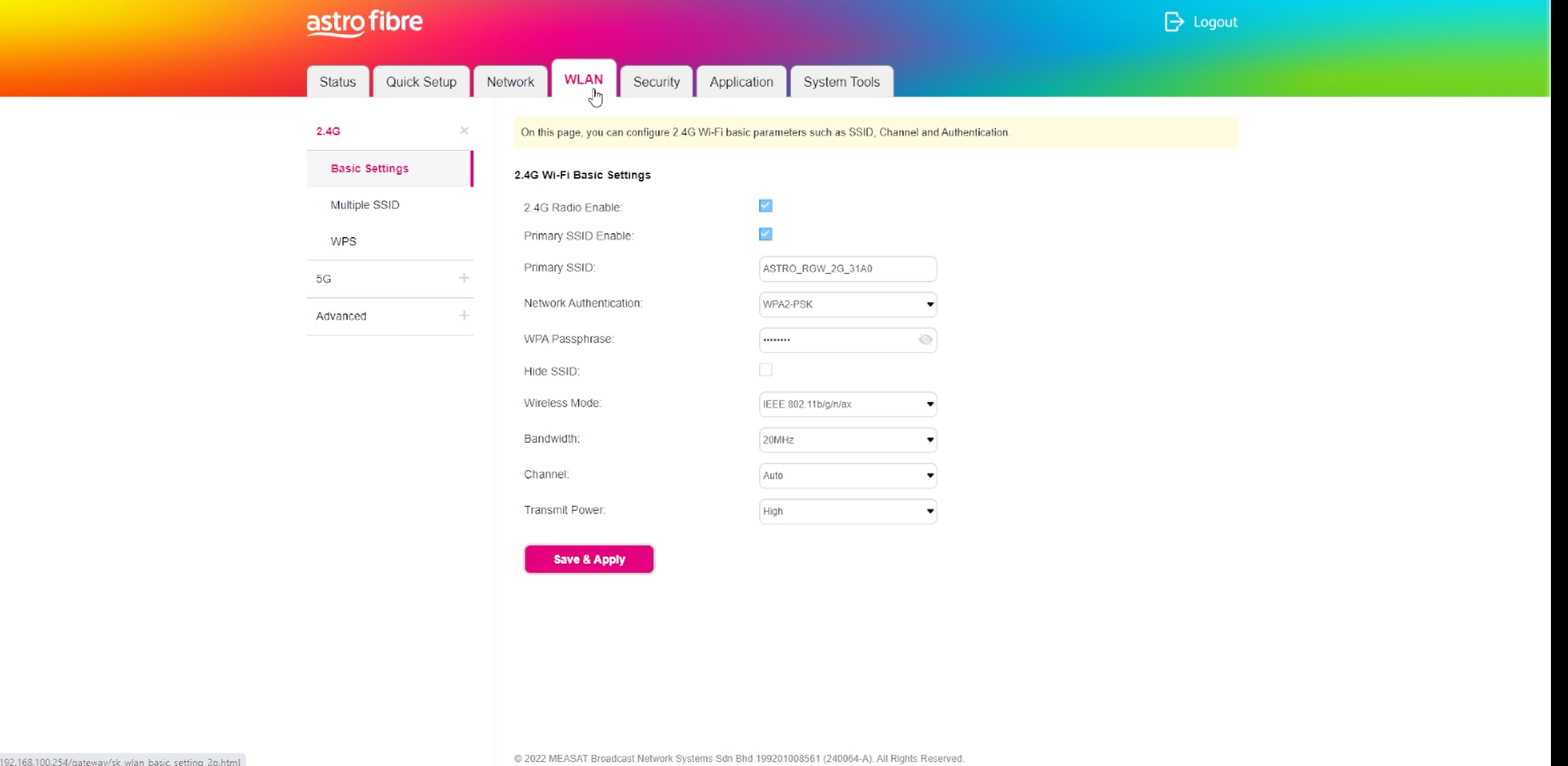
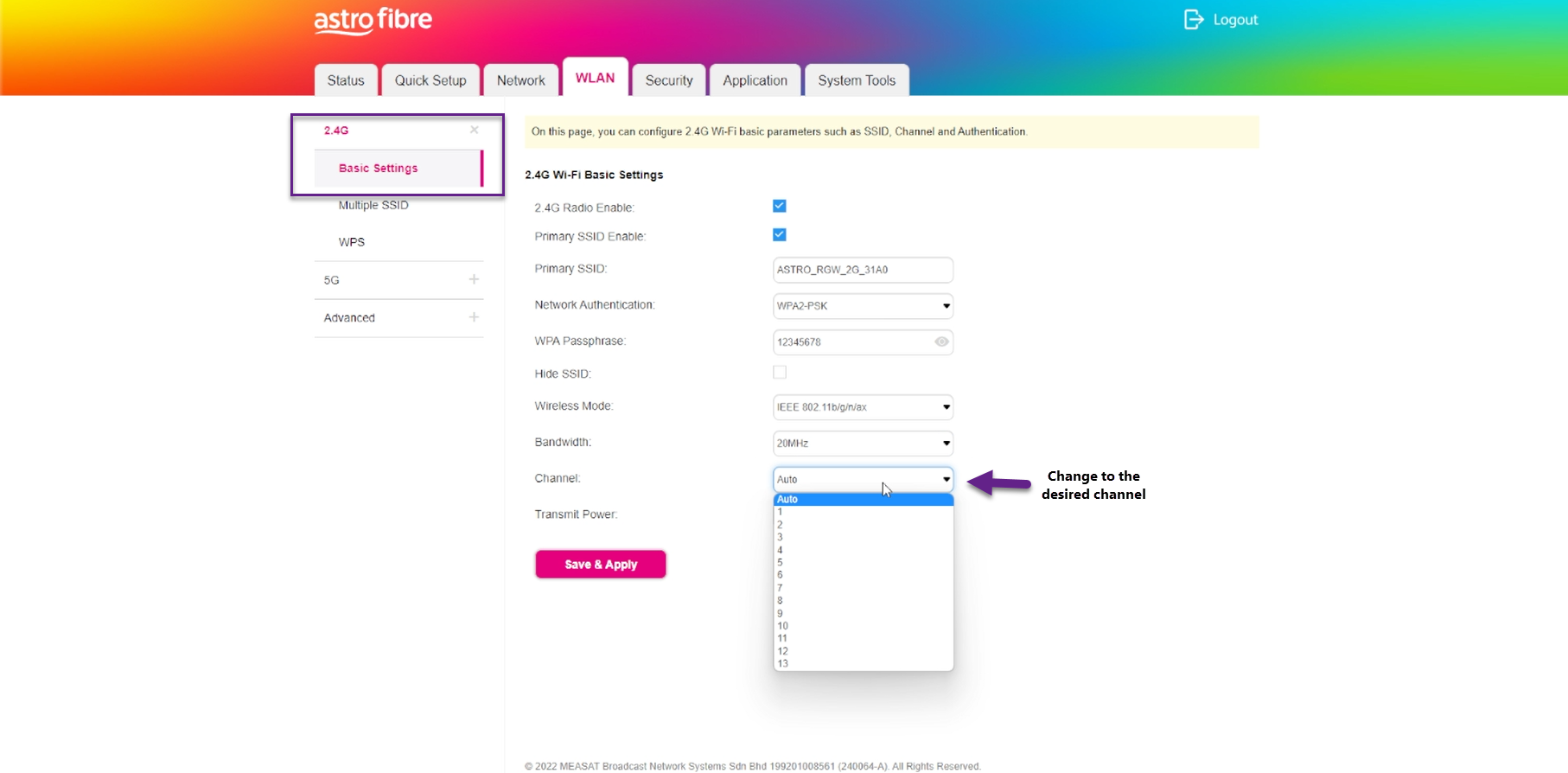
6. To change the channel on 2.4G, click the drop-down arrow for Channel, then select your desired channel.
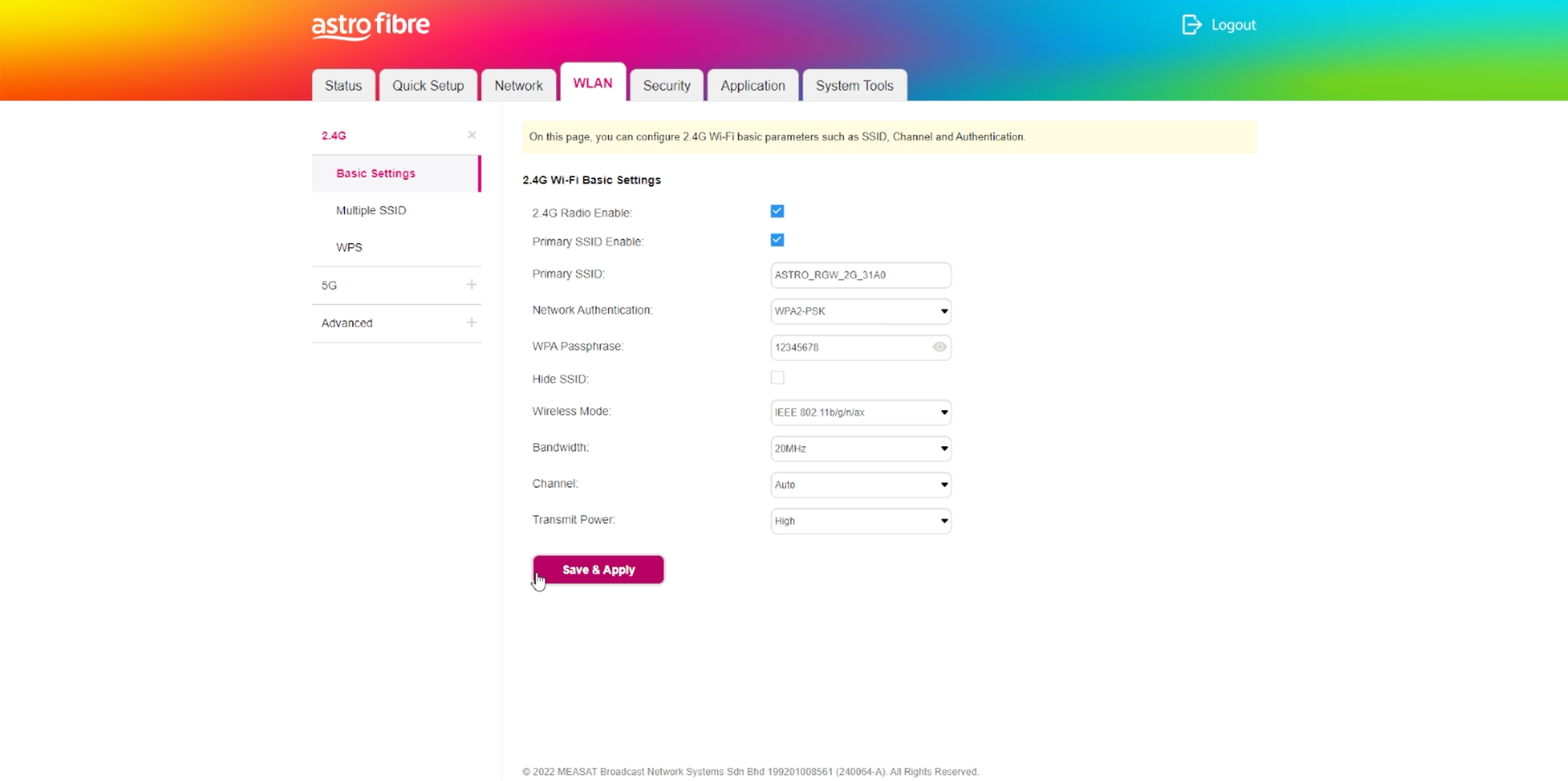
7. Then, click "Save & Apply" for the changes to take place.
8. You may make the same changes for 5G by click the drop-down arrow for Channel, then select your desired channel.
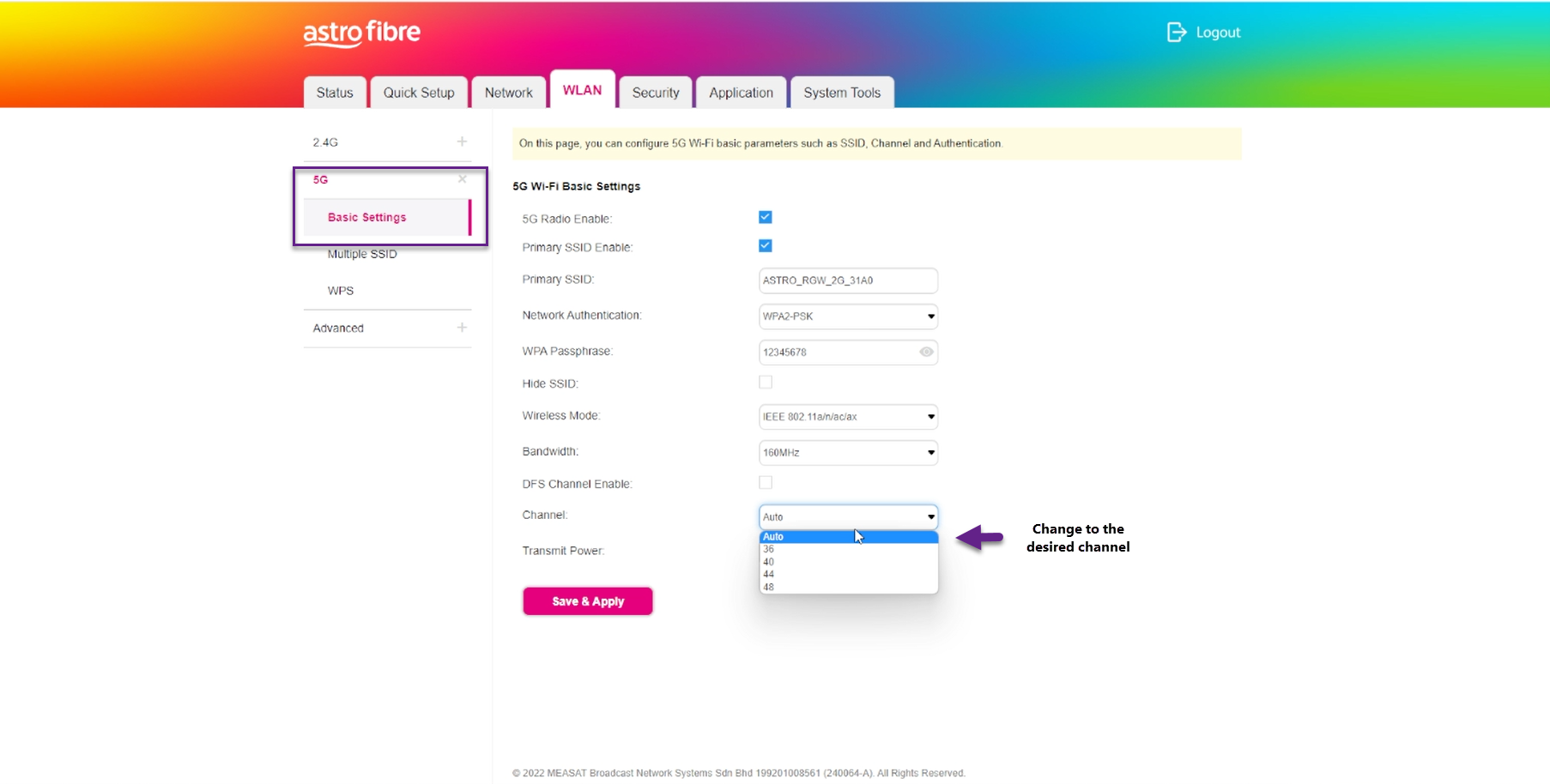
9. Then, click "Save & Apply" for the changes to take place.