


 Jejak
Jejak
 Log masuk


Tambah Kad untuk Auto Debit
1. Buka/Download app My Astro atau layari laman web My Astro.
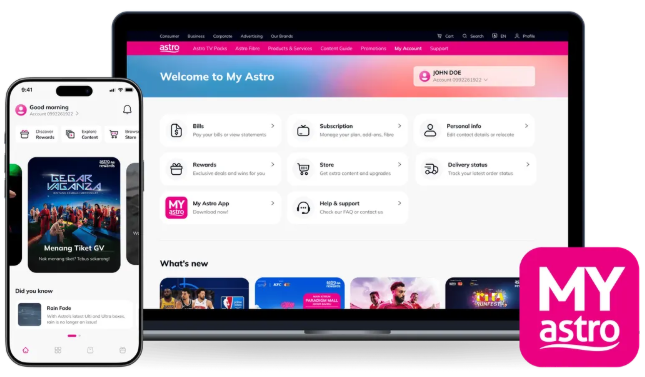
2. Login menggunakan Astro ID anda.
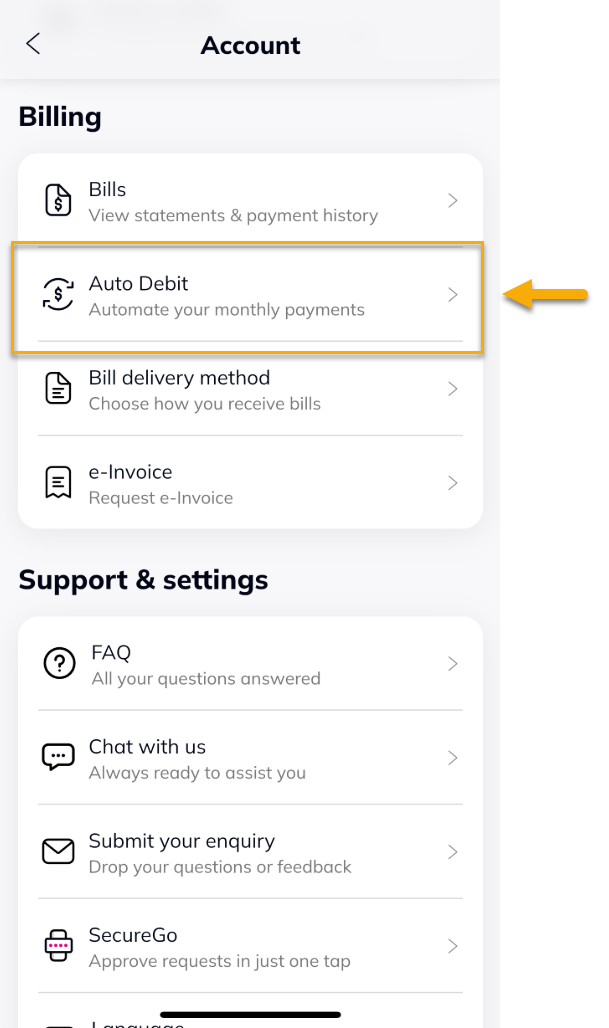
3. Pergi ke bahagian Account.

4. Di bawah Billing, tekan Auto Debit.
5. Isi semua maklumat yang diperlukan, pilih 'I have read and agreed to the Terms and Conditions & Privacy Notes', kemudian tekan 'Save'.

6. Tekan 'Approve' untuk tambah kad.

7. Notifikasi berjaya akan dipaparkan.
