


 Jejak
Jejak
 Log masuk


Kemaskini Tarikh Luput Kad
1. Buka/Download app My Astro atau layari laman web My Astro.
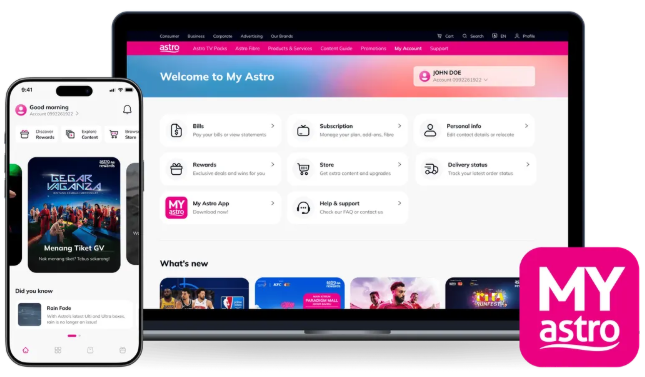
2. Login menggunakan Astro ID anda.
3. Pergi ke bahagian Account.

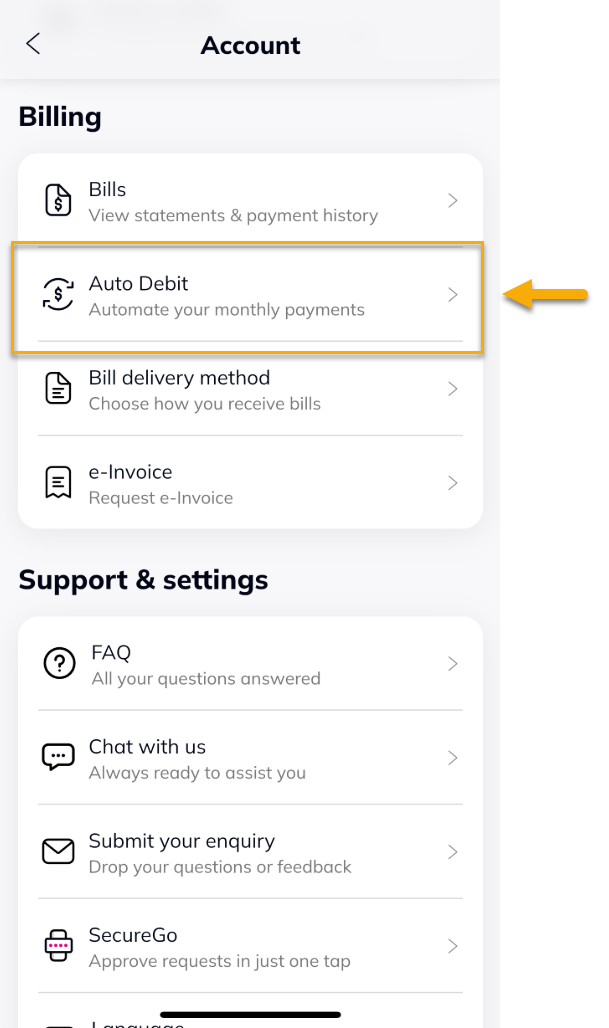
4. Di bawah Billing, tekan Auto Debit.
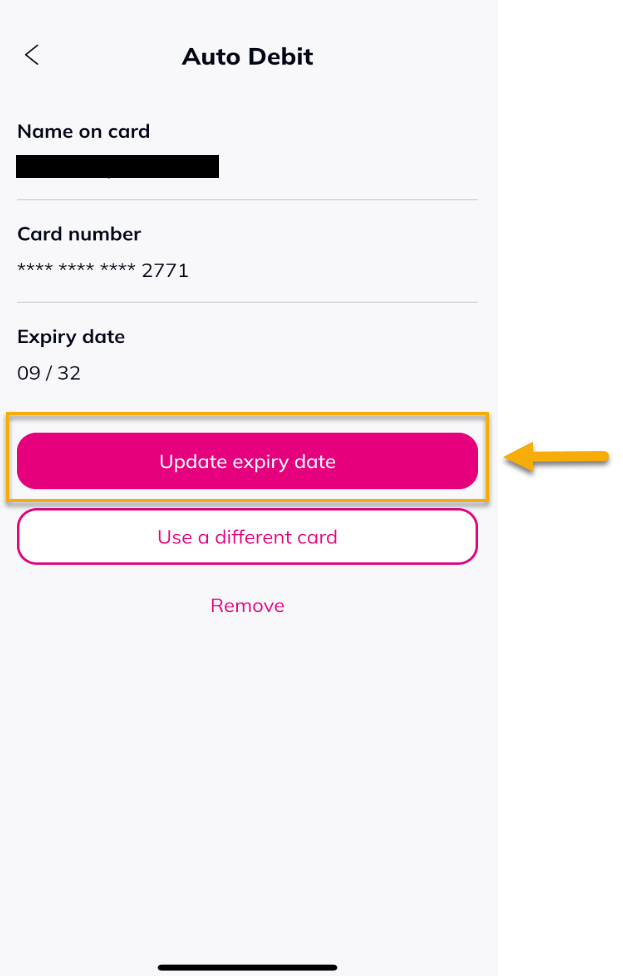
5. Pilih 'Update expiry date'.
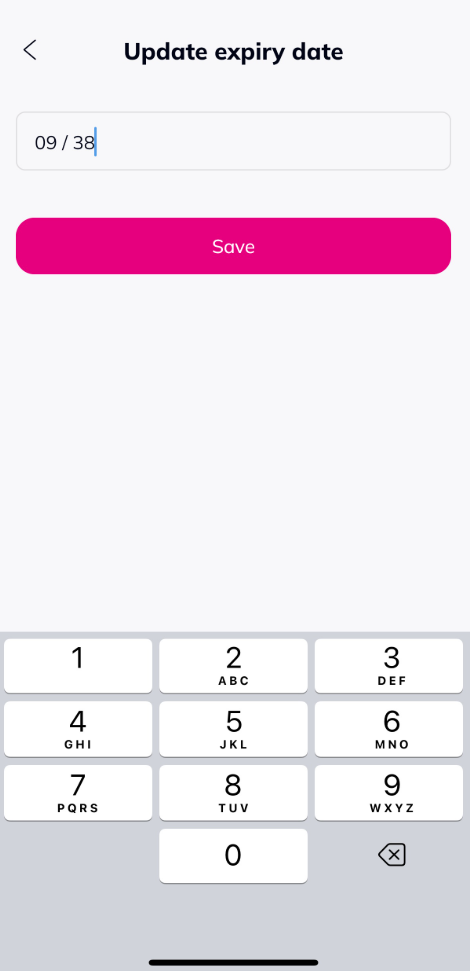
6. Masukkan tarikh luput baru, kemudian tekan 'Save'.
7. Notifikasi berjaya akan dipaparkan.
