


 Jejak
Jejak
 Log masuk

Tukar Kaedah Penghantaran Bil kepada Bil Kertas
1. Buka/Download app My Astro atau layari laman web My Astro.
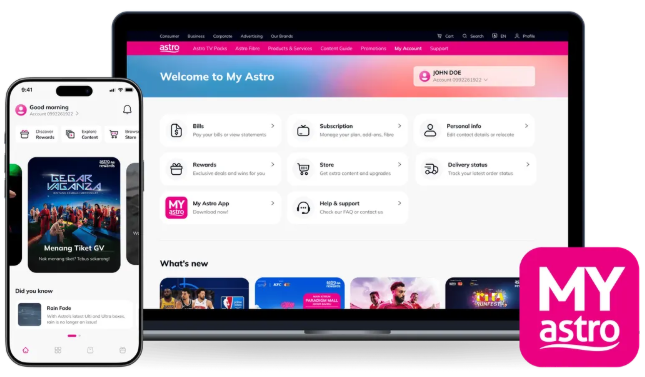
2. Login menggunakan Astro ID anda.
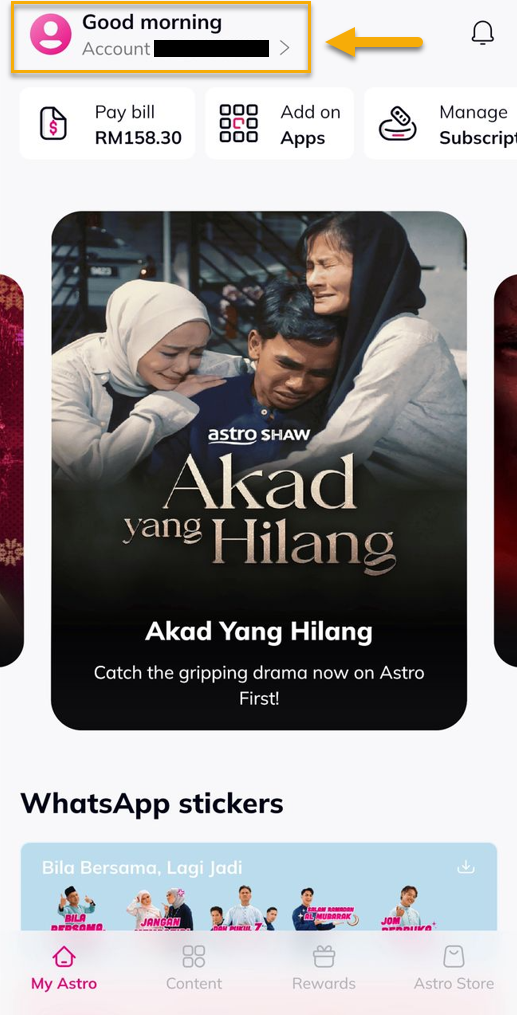
3. Pergi ke Account.
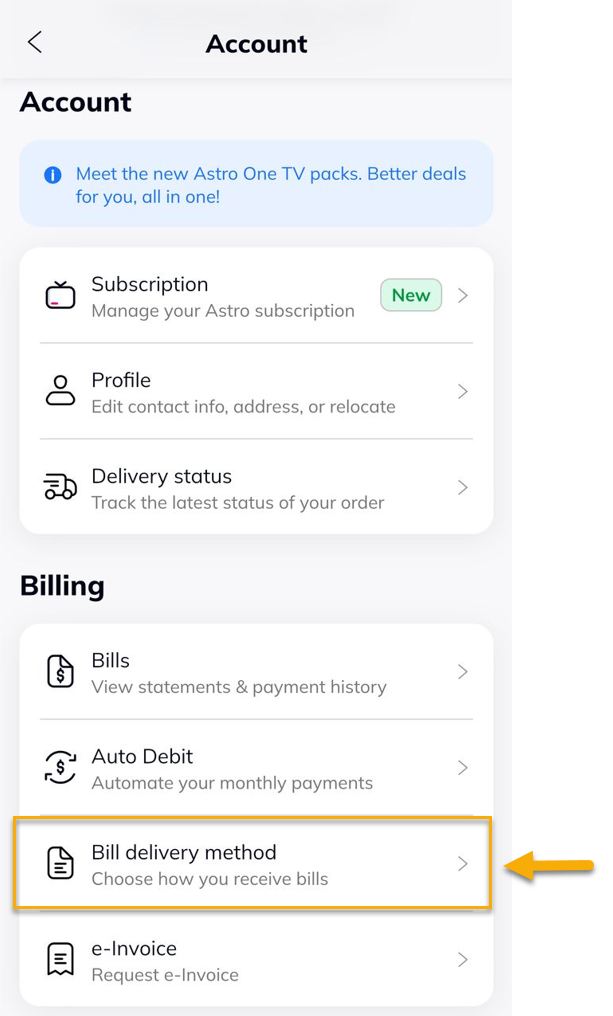
4. Di bawah Billing, pilih Bill Delivery Method.
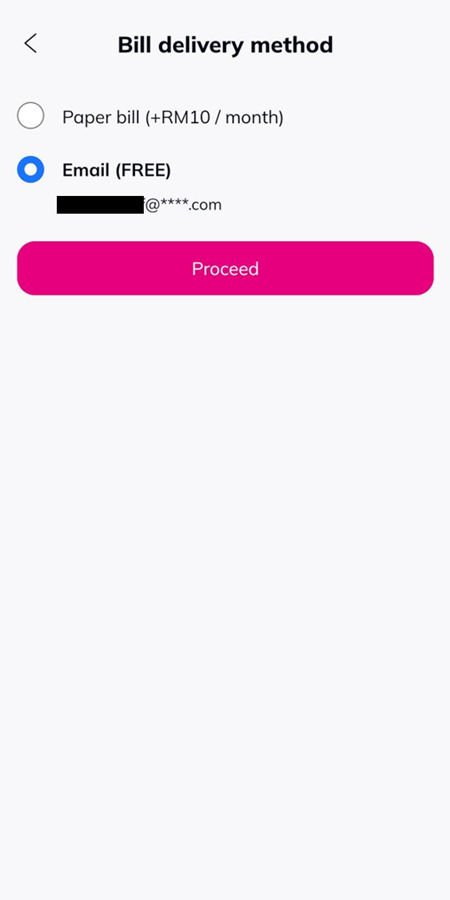
5. Pilih 'Paper bill (+RM10 / month)' dan tekan 'Proceed'.
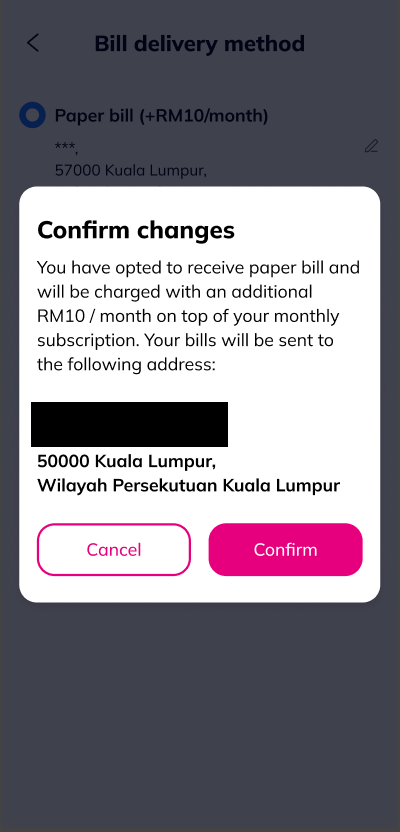
6. Tekan 'Confirm'.
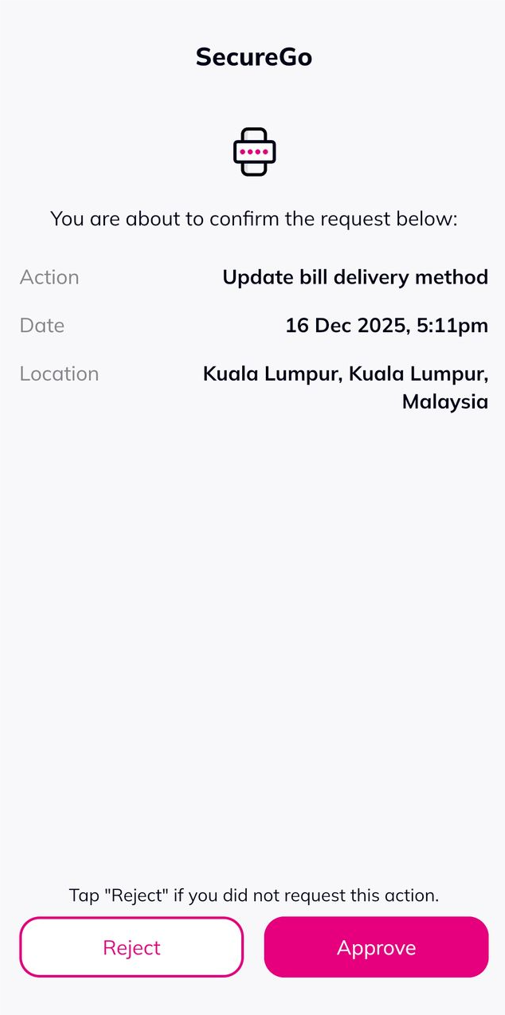
7. Tekan 'Approve' untuk kemaskini kaedah penghantaran bil.
8. Notifikasi berjaya akan dipaparkan.
